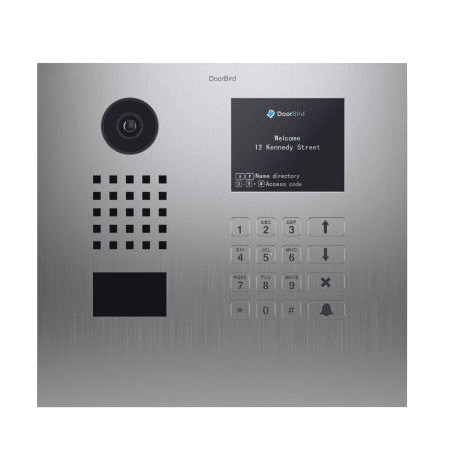

Nest Ring vs Doorbird: Video Doorbell Review, Costs & Installation
Some smart home video doorbells are very easy to install yourself while others may require planning, special wiring, and expert network and security knowledge. Let's outline the top 3 doorbell solutions so you can be prepared and know what to expect.

Video Doorbell Installation – Easy – Not So Easy – Harder
Some video doorbells are very easy to install yourself while others require planning, the proper wiring and expert network and security knowledge . Lets outline the top 3 doorbell solutions so you can be prepared and know what to expect
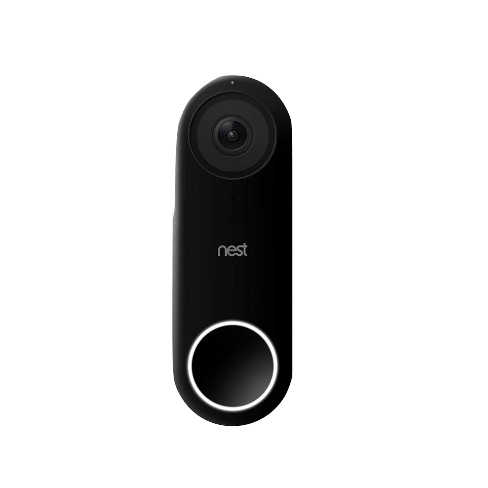
NestHello: $229 + Cloud Fee
Easy to Install (DIY)
If you’re looking for a video doorbell that is very fast and easy to install yourself as a DIY solution, the Nest hello doorbell is perfect for you. The video doorbell itself is powered by the same transformer that is used for a standard doorbell chime system which is already in place in most existing homes. This means the installation itself can take minutes if you have a drill and basic tools in your toolbox. As always Follow the instructions!
Check Compatibility with the existing chime
Start the setup on the App
Install the chime connector
Install the doorbell
Finish setup on the app
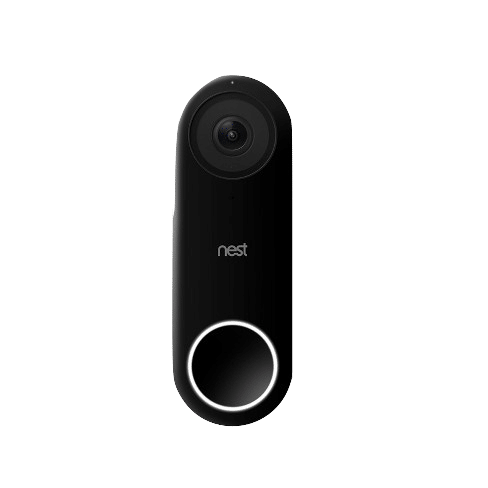
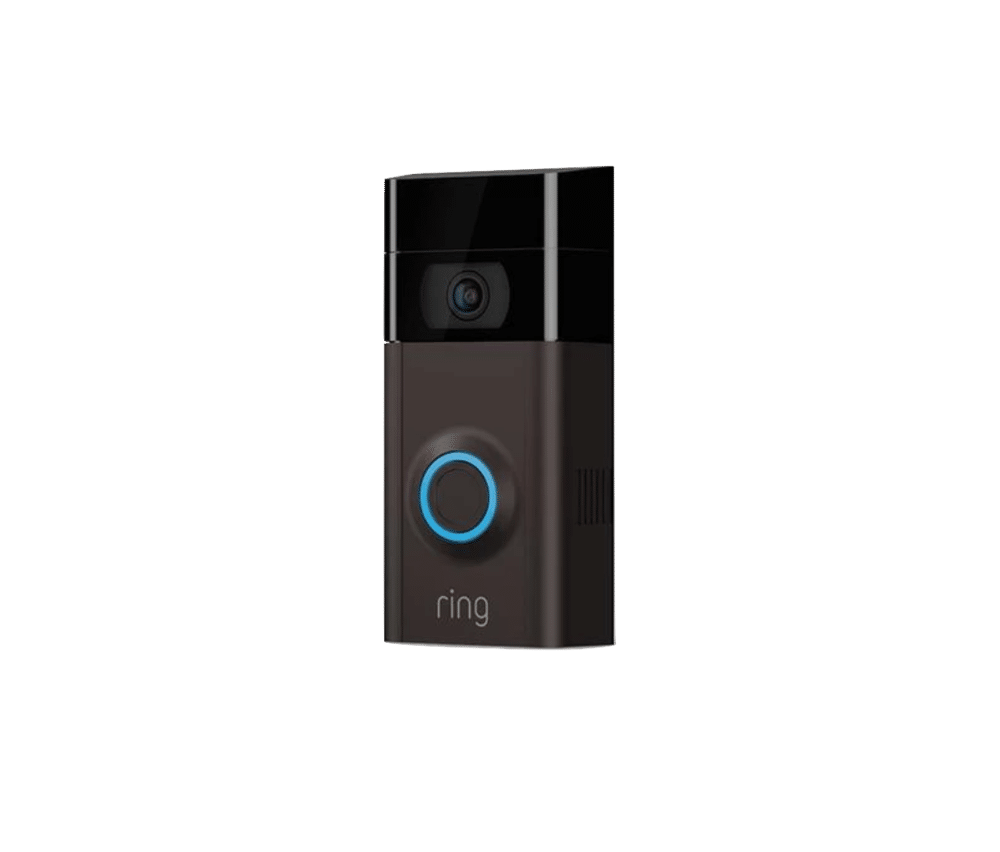
Ring Video Doorbell 2: $199 + Cloud Fee
Very Easy to Install (DIY)
If your home does not have a standard doorbell and chime installed and you really need that extra layer of security, it’s best to go with a battery powered Ring Video Doorbell 2.
Charge and install the battery
Start the setup on the app
install the doorbell
Finish setup on the app
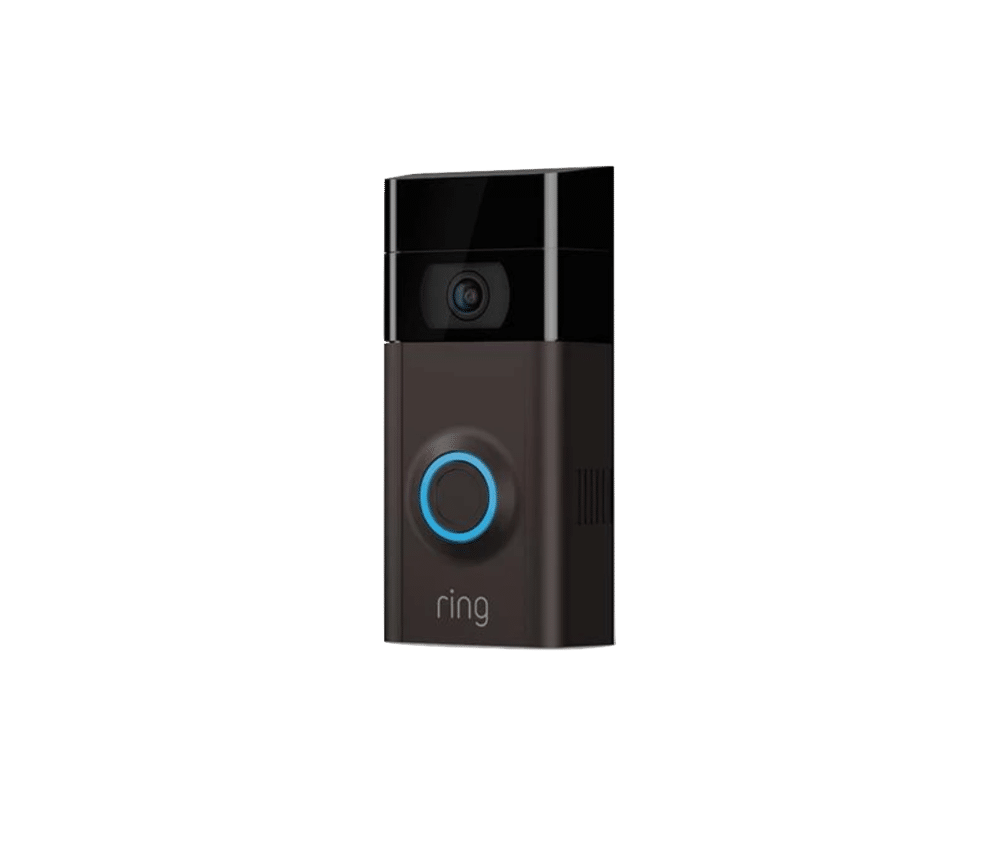
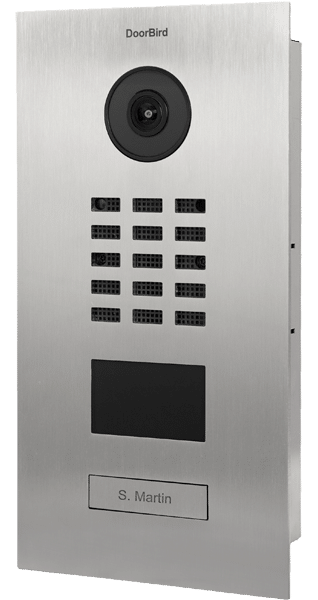
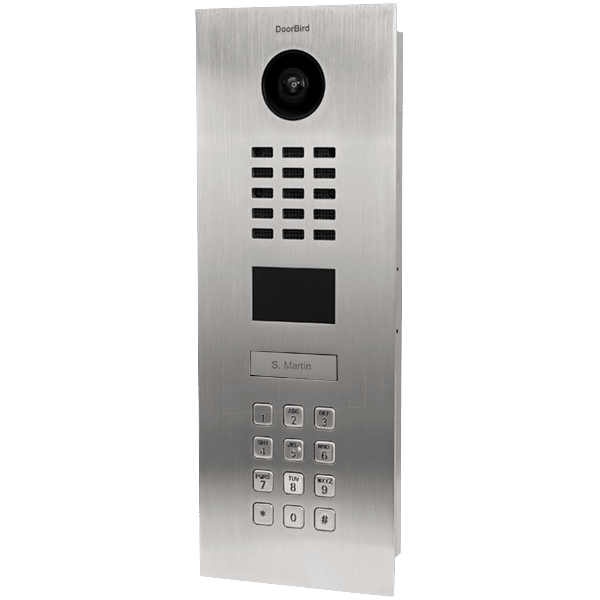
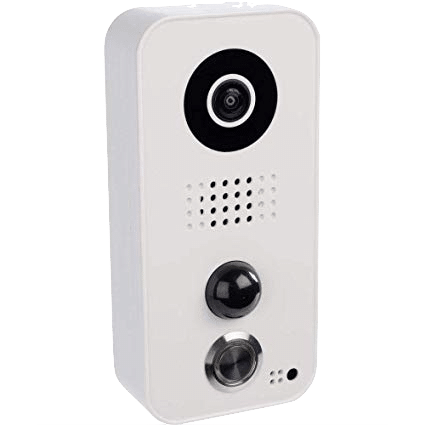
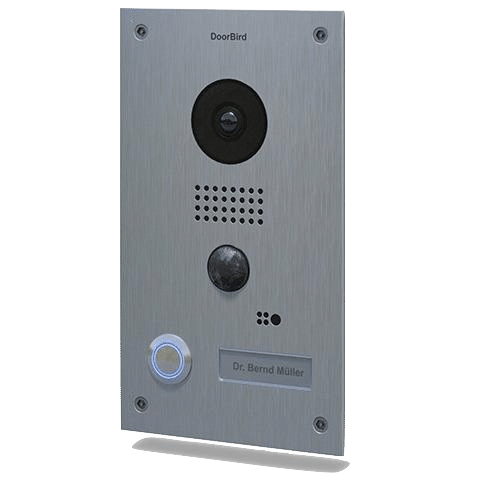
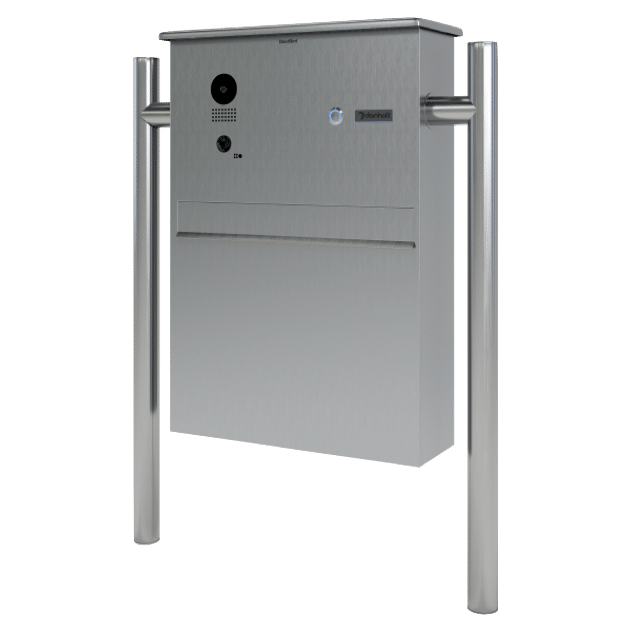
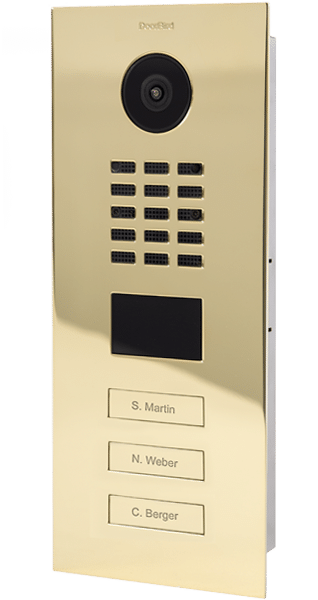
Doorbird Video Doorbell: $416 – No Cloud Needed
+ Professional Installation Costs
Harder Advanced Installation
suggestion: hire a Professional
If you have a custom built home with a home automation system like Control4, Crestron or RTi, Doorbird is a great choice for adding video doorbell security to your smart home. Chances are your home has been Prewired with Cat6 all throughout the home and the front doorbell location was no different. The Cat6 will be used to send data and power over POE (power over ethernet) technology and make this the only video doorbell solution that will not be dependent on Wi-Fi signal strength or removable battery levels.
Make sure your home is prewired with cat6 at the front door (wires run to your network closet)
Terminate your Cat6 cables
Install your doorbell
Plug the Cat6’s opposite end into the POE network switch in the network closet
Connect your personal NVR recording hardware to the network for local recording
Finish setup on the app
What about the cloud Recording?
Nest Hello: Will not work without an internet connection – It requires the cloud
Ring Video Doorbell 2: Will not work without internet connection – it requires the cloud
When talking about cloud recording and data, you have to ask yourself if you trust the cloud. Some people don’t like having there activities documented by large corporations who “promise” they are not using or accessing your data.
FAQ’s
Will this product last outside in the heat or rain?
Does this doorbell work with other smart home devices and platforms?
Do you want monthly Fee’s for recording?
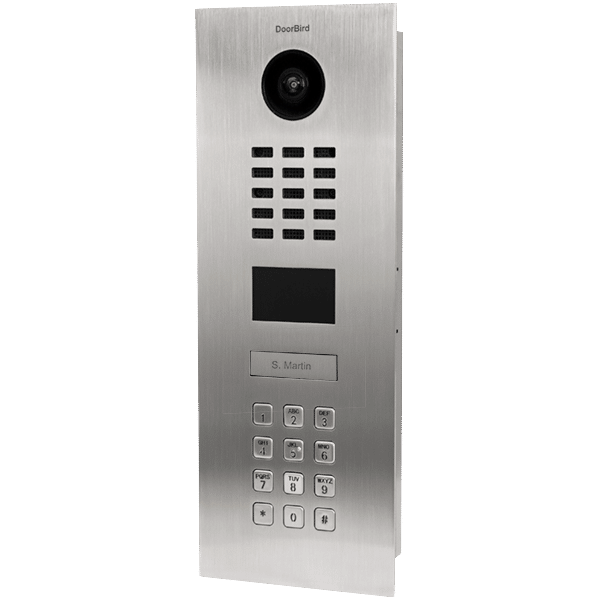
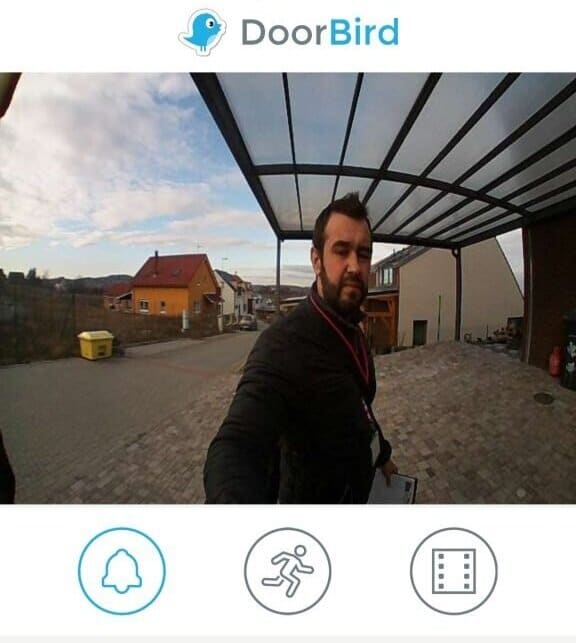
Beautiful Video doorbell with no monthly fees