
Smart home company in Austin since 2006
Home Automation in Austin, Built One System at a Time
Smarter Homes is a home automation company in Austin that builds each system to stand on its own first: Lutron lighting and shades, a UniFi network, Sonos music, Alarm.com and Qolsys security, and climate. Josh.ai then joins them for voice, touchscreen and app control. If that top layer is ever offline, the keypads, the alarm and the music keep working.
- HTA Estate Certified
- Over 160 5-Star Google Reviews
- In business since 2006

The subsystems
What does a home automation system control?
A home automation system puts lighting, shades, climate, music, Wi-Fi, security, cameras, locks and garage under one set of controls. Keypads, a touchscreen, your phone or your voice run scenes that move several systems at once, and schedules handle the routine work.
The clearest test is a "Goodnight" scene. One press turns off the lights, lowers the shades, arms the alarm, locks the doors, confirms the garage is closed and sets the thermostat back. If any of those steps needs its own app, the home is connected but not automated.
- Lighting control
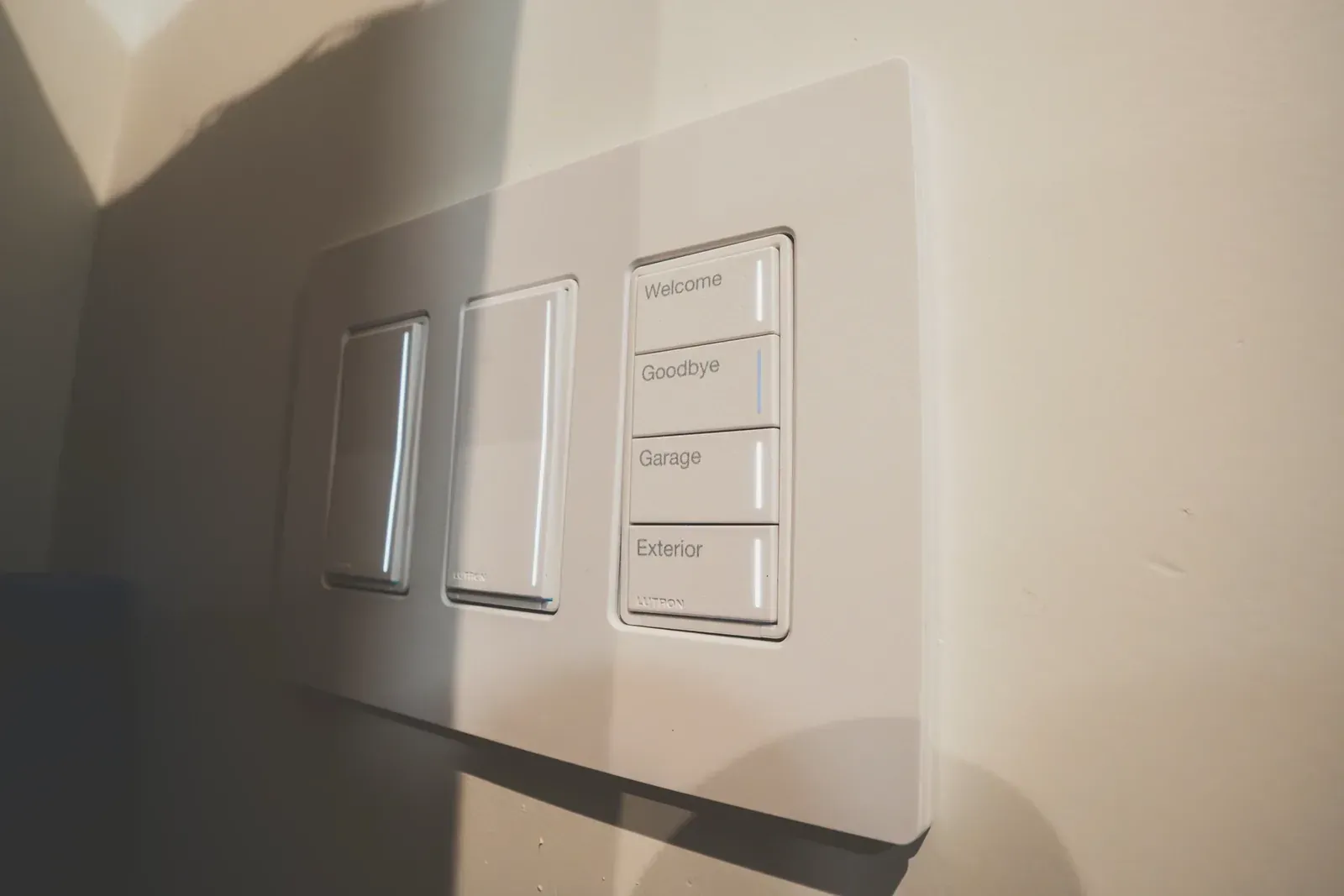
- Lutron RadioRA 3 or HomeWorks QSX with engraved keypads, scenes and an astronomic timeclock. See lighting control.
- Shades
- Lutron motorized shades that follow scenes, sun position and privacy. See motorized shades.
- Network
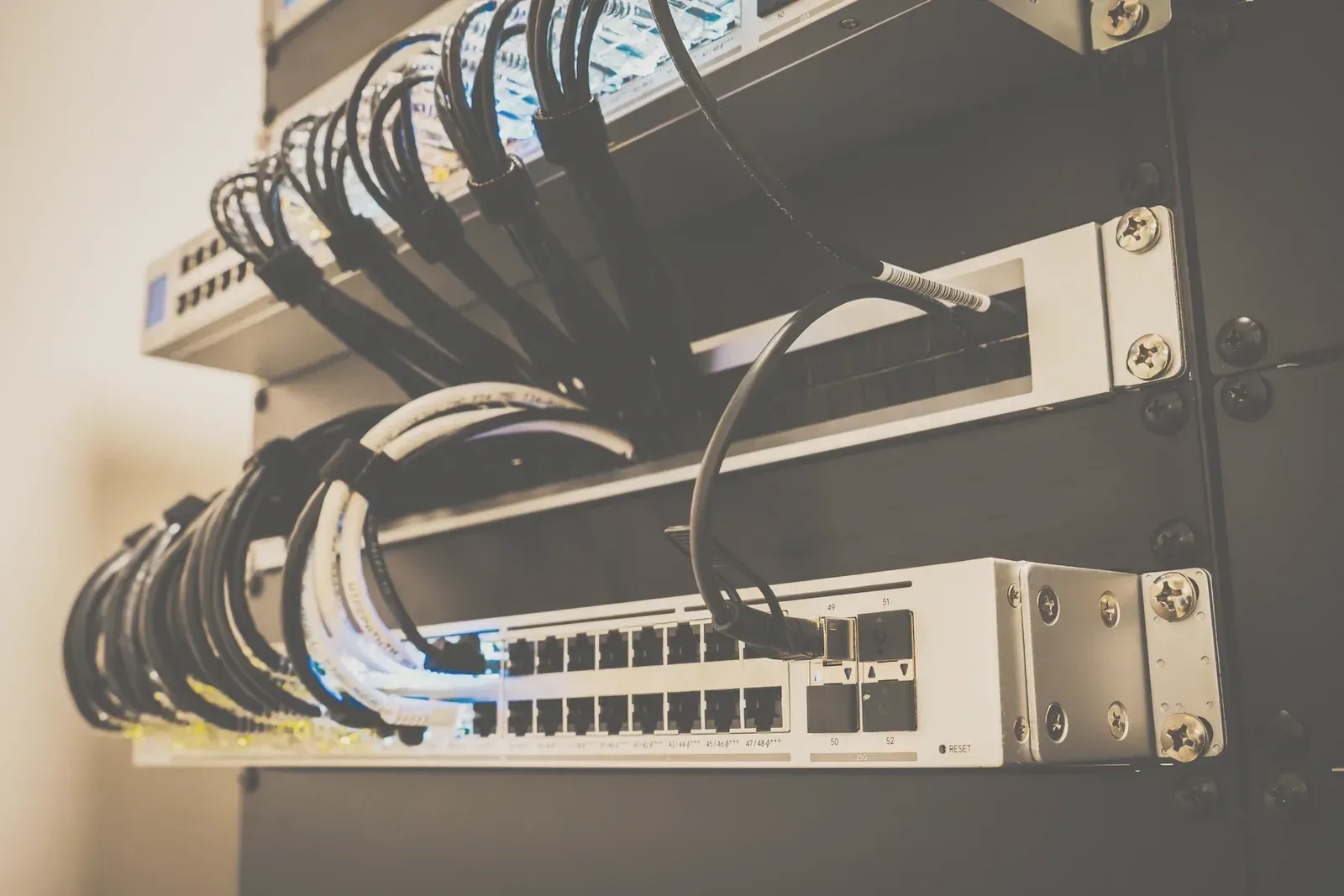
- Hardwired UniFi Wi-Fi 7 access points and a managed switch in the rack, with separate networks for cameras and smart devices. See whole-home Wi-Fi.
- Music
- Sonos by room or across the house, grouped from a keypad, the app or your voice. See whole-home audio.
- Security
- Alarm.com with Qolsys panels and PowerG sensors, installed under Texas DPS license B28437501. See security systems.
- Cameras and entry
- Hardwired UniFi Protect cameras and doorbells on their own network. See security camera systems.
- Control layer
- Josh.ai for natural voice, touchscreens, remotes and one app across every system. See Josh.ai home control.
Why it is built this way
Why build home automation one subsystem at a time?
Because each system keeps working if another one fails. Lutron runs the lights from its own processor, Qolsys arms from its own panel and Sonos plays from its own app. Josh.ai sits on top, so a problem in the control layer is an inconvenience, not a dark house.
It also means you can replace one part later without rebuilding the rest. A new music system or a newer camera line drops into the same network and the same control layer. When one controller runs everything, a single failure or an end-of-life product can take several systems down at once.
The network is the part every system shares, so it is built first. Every access point is hardwired, coverage is walked to at least -65 dBm at the cell edge, and cameras and smart devices sit on their own networks. Lutron processors and Sonos stay on the main network with the phones that control them.
Decision guide
Which control system fits your home?
Most Austin homes land in one of three places: Josh.ai over Lutron and the other systems for whole-home control, Lutron on its own for lighting and shades, or an existing Control4 or Crestron system that needs a plan. The table compares them so you can place your home before you call anyone.
| Josh.ai over each subsystem | Lutron only | Existing Control4 or Crestron | |
|---|---|---|---|
| Best fit | New builds and full remodels that want one interface for every system | Homes that mainly want lighting and shades done well | Homes with an aging system, a dealer who is gone or a failing controller |
| What it controls | Lighting, shades, Sonos, video, climate, security, garage and more | Lighting, shades and Lutron thermostats; Sonos from a Pico remote | Whatever the original dealer programmed |
| How you control it | Natural voice, Josh touchscreens, the Josh Edge remote, the app and Lutron keypads | Engraved keypads, Pico remotes, the Lutron app and schedules | Proprietary remotes, touch panels and app |
| If the top layer is offline | Keypads, alarm and music keep working on their own | No top layer; the Lutron processor runs locally | Often several systems stop, because one controller is the path to all of them |
| What we keep | Built new around your plans | Add Josh.ai later without replacing Lutron | Wiring that tests well, plus Lutron, Sonos, UniFi and cameras |
| Read next | Josh.ai home control | Lighting control and HomeWorks QSX on Austin Lutron | Control4 and Crestron replacement |
Two notes before you choose. Ketra and Rania lighting run on Lutron HomeWorks QSX only, never RadioRA 3, so a lighting plan that calls for them sets the processor. And Smarter Homes does not sell Control4 or Crestron: we replace them, keep what still tests well and move control to Josh.ai.
Austin home automation company
Who installs home automation in Austin?
Smarter Homes, in business since 2006, from its showroom at 5524 Bee Caves Rd in West Lake Hills. One HTA Estate Certified team designs, wires, programs and supports every system, and holds Texas DPS license B28437501 for security work.
Pete and his team were timely and professional. They set up our house-wide audio system, internet, and security system quickly and have kept it in working order since.
With 10 years of experience managing estates for elite clients, I’ve worked with many smart home companies, but none compare to Peter and his team. … they offer the utmost discretion and prioritize the highest level of security.
Systems that join the automation
Which systems can a home automation system include?
Seven core systems carry most of the work, and four more join them where the equipment allows: climate, smart locks, pool and spa, and irrigation. Each one below links to its own page with the detail.
Core systems
- Lighting controlLutron scenes from engraved keypads, set to the time of day.
- Motorized shadesShades that lower on west glass before the afternoon sun.
- Whole-home audioHardwired Sonos amps in the rack, one per zone.
- Whole-home Wi-FiHardwired UniFi access points sized room by room.
- Security systemsAlarm.com and Qolsys, Texas DPS license B28437501.
- Security camerasHardwired UniFi Protect cameras on their own network.
- Home theaterOne button dims the lights, closes shades and starts the film.
Integrations
Comfort and energy
We use Lutron thermostats where they fit the HVAC, and Ecobee otherwise. Advanced multi-stage or variable-speed equipment keeps its own communicating thermostat so no stages are lost. When the alarm is armed away, the house eases back to an efficient setting.
Smart locks
Locks pair with a UniFi G6 Entry or UniFi Intercom at the door, so you see the visitor, talk and open the door from one app. Temporary codes work only on set days or hours, and a goodnight scene can lock every door at once.
Pool and spa control
Network-enabled controllers such as Jandy let you heat the spa, run cleaning cycles and check status from the same app. When a manufacturer driver exists, integration is routine. Without one, we explain the trade-off before anything is installed.
Smart irrigation
Rachio controllers adjust watering zone by zone to weather and season, skip rain and pause for freezes. A party scene can hold the backyard sprinklers until guests have gone.
New construction or an existing home
Can you automate a home that is already built?
Yes. Lutron Clear Connect wireless dimmers, keypads and battery shades, plus wireless security sensors, let us automate most existing homes with limited drywall work. A walkthrough shows which rooms can go wireless and where a short wired run is worth the patch.
Range is the limit to plan around. Lutron's Clear Connect Type A signal travels roughly 20 to 30 feet point to point, farther through open framing and less through limestone, so large homes need repeaters room to room. Retrofit timing depends on when and how the house was built, so we scope it after the walkthrough. See retrofit wiring.
What changes when automation is planned during construction?
Cable, shade power and keypad locations go in while the studs are open, which costs less than adding them later. Every TV location gets three Cat 6 runs, shade pockets are framed before drywall, and guest houses, gates and boat docks on Lake Austin get conduit and fiber. See new home prewire.
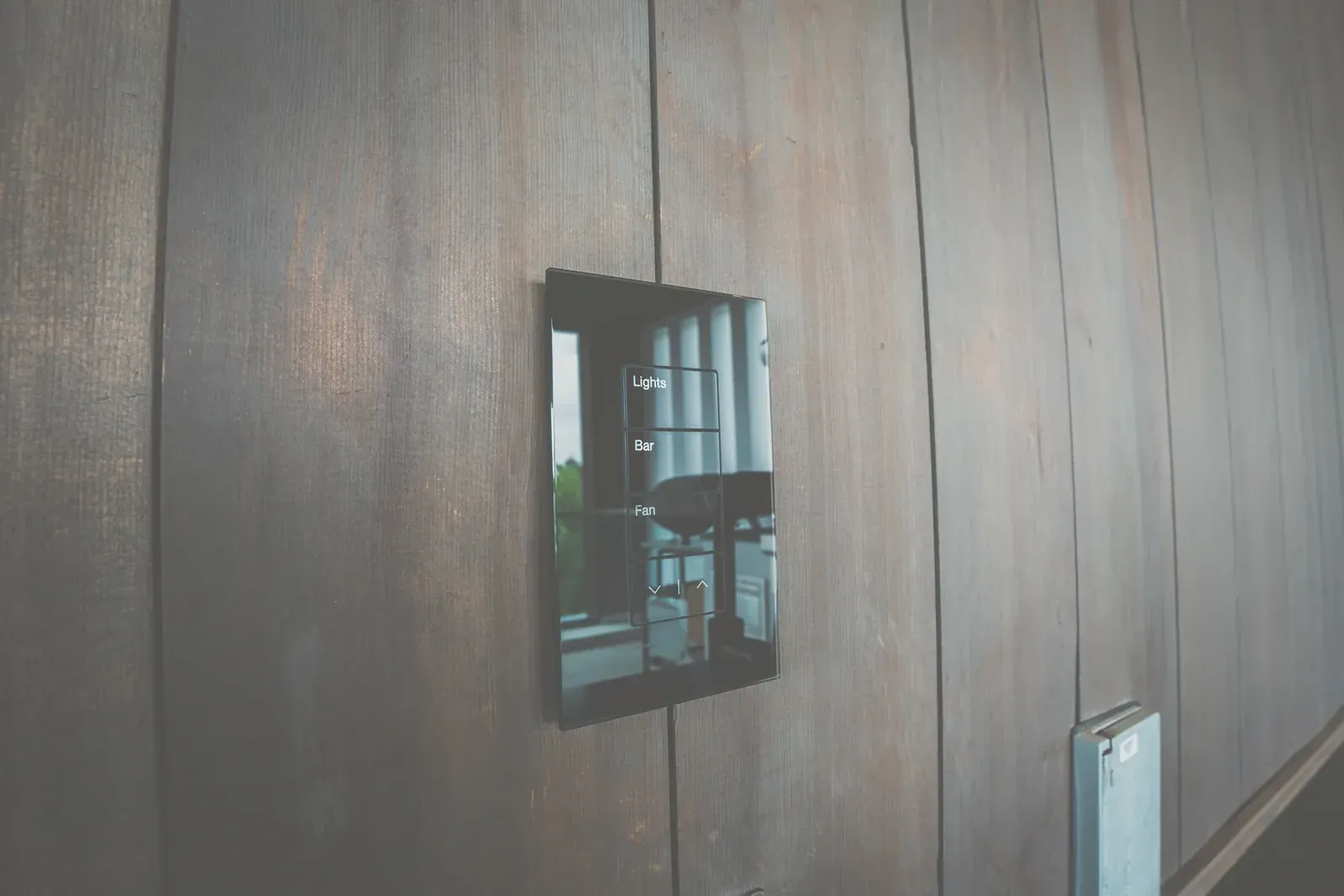
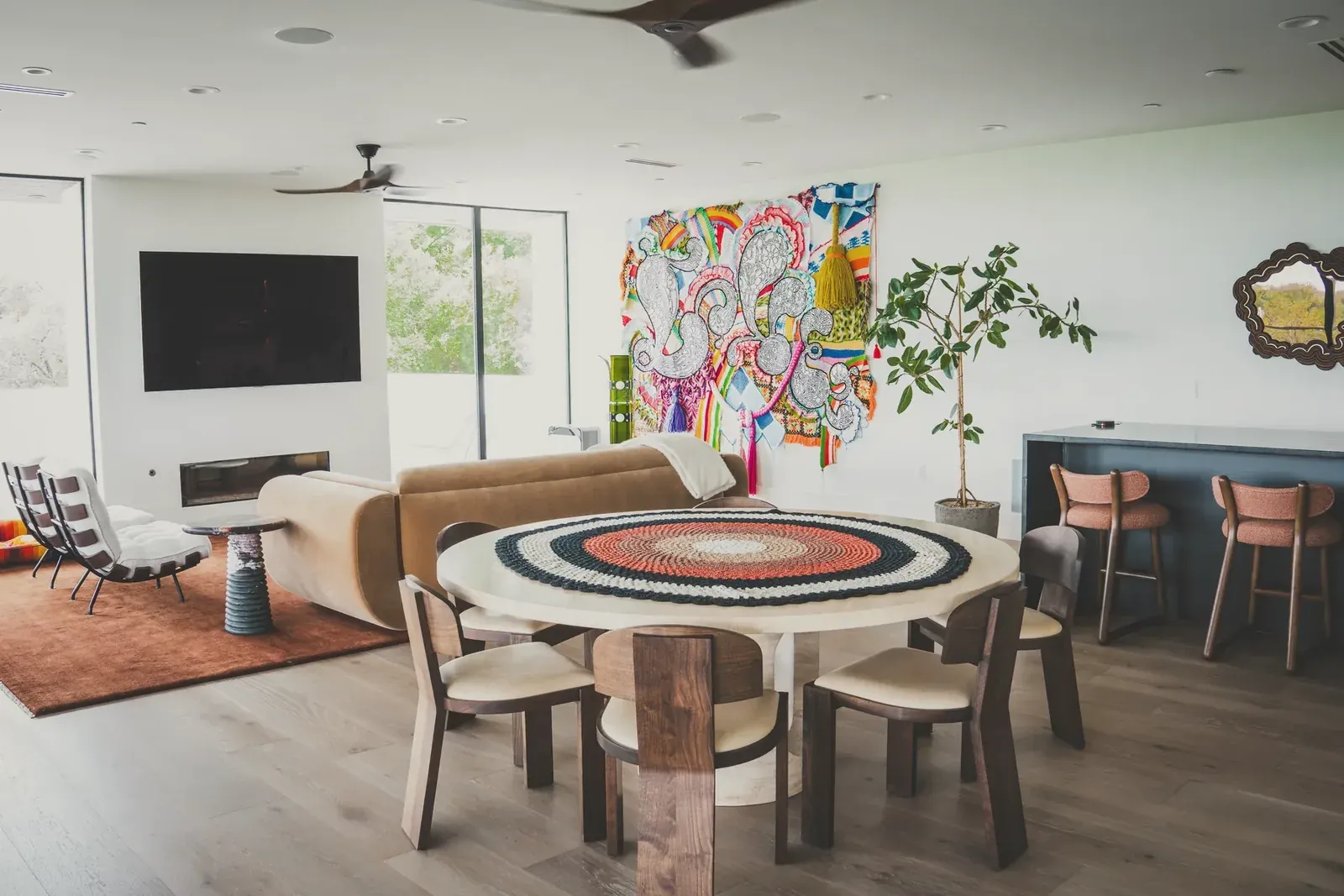
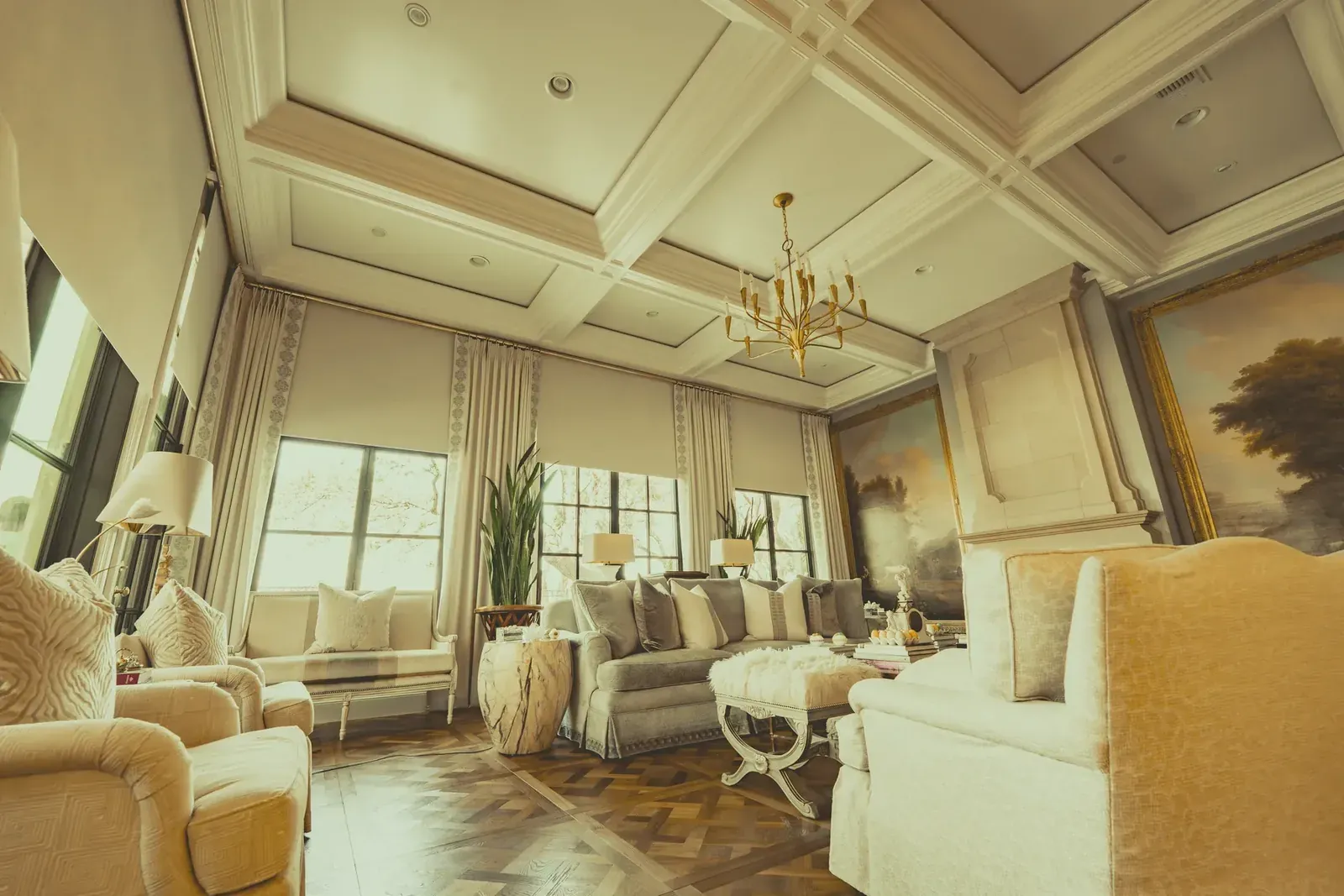
Project photography
What does a finished automated home look like?
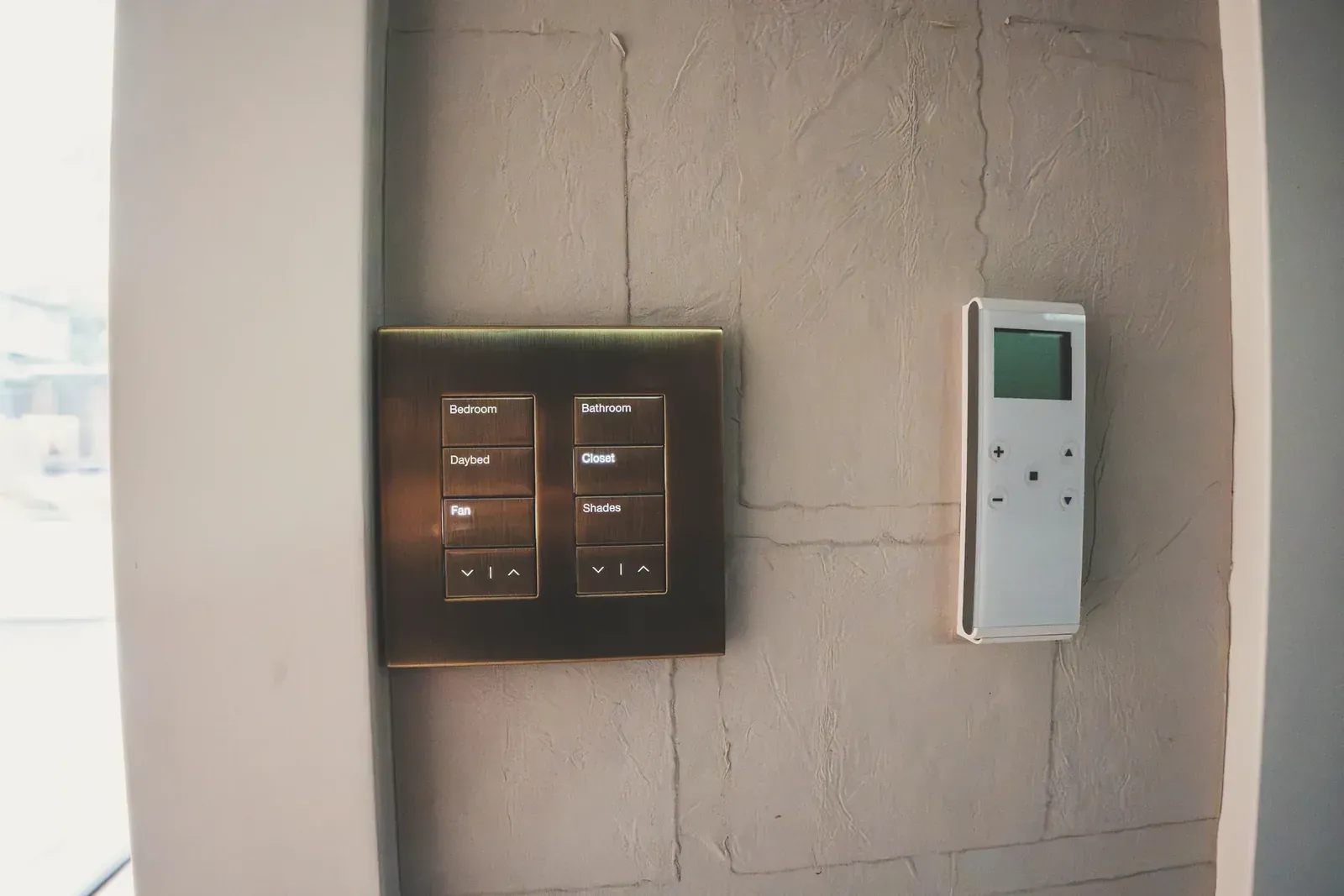
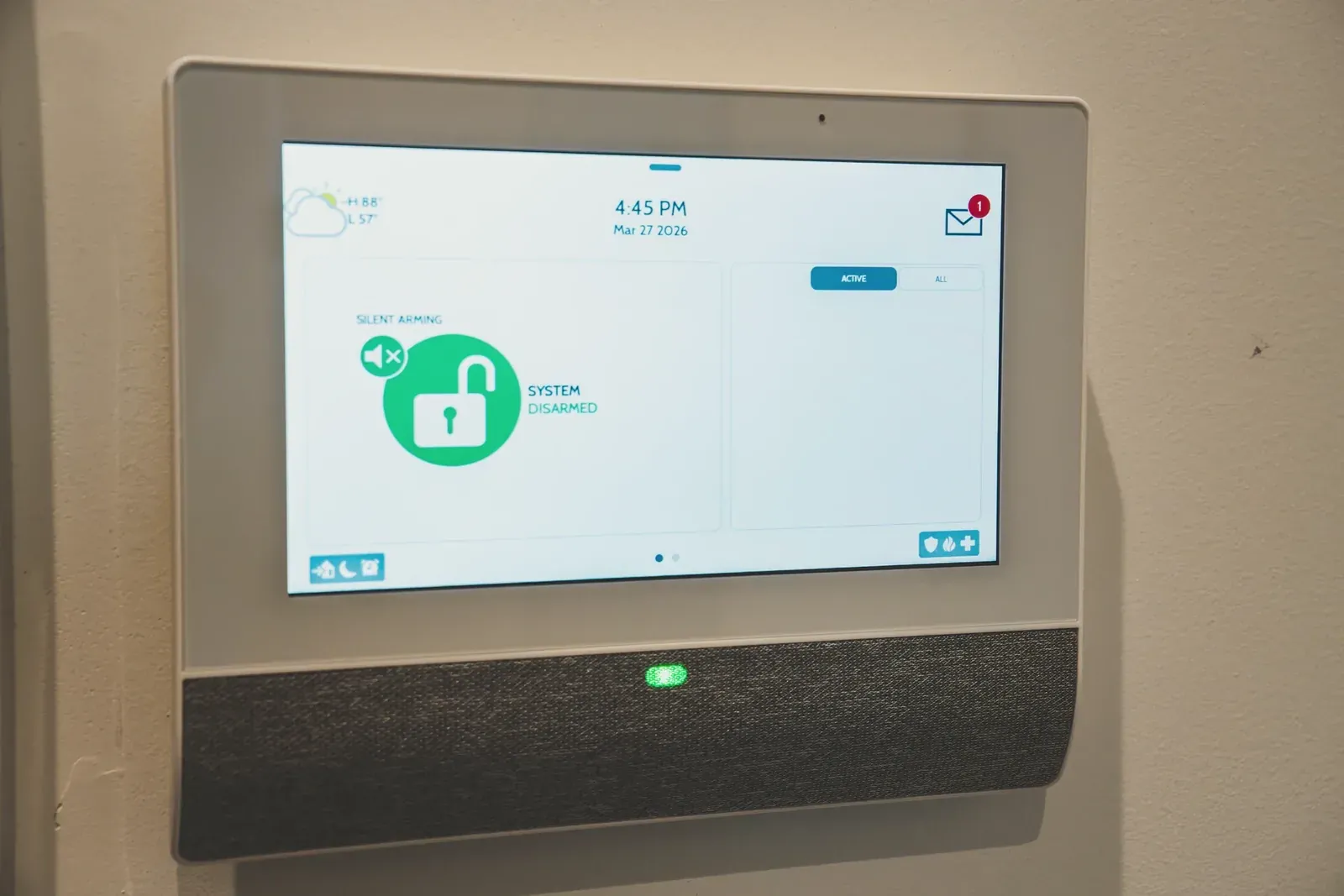
Mostly quiet. The equipment lives in the rack, keypads are engraved with plain words, and the rooms show lighting, shades and screens rather than the technology behind them.
Project stages
How does a home automation project work?
Five stages: consultation, design, infrastructure, installation and support. The network and wiring are planned and documented before any app is set up, because every later step depends on them.
Consultation
How your family uses the house, at our West Lake Hills showroom or by video.
Design and budget
Room-by-room systems with your builder, architect or designer. Start with the smart home budget tool.
Infrastructure first
Power, structured cabling, rack location and the UniFi network, documented before programming.
Installation and commissioning
Installed, programmed and tested room by room, then scenes set with you in the house.
Support
Documented wiring and programming, plus a support agreement with the team that built it.
Where we work
Where does Smarter Homes install home automation?
In Westlake, Barton Creek, Tarrytown, Rollingwood, West Lake Hills, Spanish Oaks, Bee Cave, Lake Austin waterfront homes and across Austin, from our showroom on Bee Caves Road.
- WestlakeNew estates and full remodels
- Barton CreekLarge homes with long runs to pools and guest houses
- TarrytownOlder homes, wireless where walls stay closed
- RollingwoodNew construction and retrofits
- West Lake HillsOur showroom on Bee Caves Road
- Spanish OaksNew builds planned from the drawings
- Lake Austin waterfrontFiber and conduit to docks and boathouses
- Bee CaveWhole-home systems with the same process
- AustinCustom homes and remodels across the city
Questions
Home automation questions
Does home automation work if the internet goes down?
Local control keeps working. Lutron keypads, schedules and scenes run from the processor in your home, so lights and shades respond without an internet connection. Remote access, cloud voice features and app control from outside the house need the internet. The alarm panel has a backup battery and a cellular path to the monitoring center.
Do I need Josh.ai if I already have Lutron?
Not necessarily. Lutron keypads, Pico remotes and the Lutron app control lighting and shades well on their own. Josh.ai adds natural voice and one app across lighting, shades, Sonos, video, climate and security. Clients usually add it when they are tired of switching apps, or when family and guests need simple voice control.
Can I use Ketra or Rania lighting with RadioRA 3?
No. Ketra and Rania run on Lutron HomeWorks QSX only. Palladiom and Alisse keypads are HomeWorks QSX products too, while Lumaris runs on both RadioRA 3 and HomeWorks QSX. If your lighting plan already names Ketra, Rania or Palladiom, start with HomeWorks QSX so the processor does not have to be replaced later.
Can you take over or replace a Control4 or Crestron system?
Yes. We do not sell Control4 or Crestron, but we replace them often. We test the existing wiring, keep what still works, such as Lutron, Sonos, UniFi and cameras, and move control to Josh.ai. The process, what can be kept and a keep, reprogram or replace comparison are on our Control4 and Crestron replacement page.
How much does home automation cost?
It depends on the size of the home and which systems you include, so we do not publish a single number. Our smart home budget tool builds a range from your own rooms and systems in about five minutes, including parts, labor and design. A consultation then turns that range into a room-by-room plan.
Can I see a home automation system before I commit?
Yes. Our showroom at 5524 Bee Caves Rd, Unit J8, in West Lake Hills is open by appointment. You can press real keypads, compare finishes, watch shades move and try Josh.ai voice control. Keypad feel and light quality are hard to judge from photos, so most clients decide there. Call (512) 775-6101 or book online.
How long does a home automation project take?
In new construction, timing follows the build: prewire before insulation and drywall, then equipment, programming and commissioning near the end. In an existing home it depends on when and how the house was built, how many stories it has and how much can go wireless, so we scope it after a walkthrough. Lutron sets shade lead times, so we order early.
Start your project
How do you start a home automation project?
Homeowners
Book a consultation at our showroom, 5524 Bee Caves Rd, Unit J8, in West Lake Hills, or by video. Press real keypads, watch shades move and try voice control before you decide. You can also call (512) 775-6101.
Architects and builders
Send the reflected ceiling plan and window schedule as a PDF. We mark up keypad locations, shade pockets, rack placement and low-voltage runs so the trades can price and frame them before drywall.