
What is a Smarter Homes security camera system?
It is a set of hardwired UniFi Protect cameras that watch your property from the walls out and record to a recorder inside your home. You own the footage, there is no monthly subscription, and you can watch live or play back video from the UniFi Protect app.
The alarm is a separate system for the walls in: Qolsys sensors and Alarm.com monitoring, covered on our home security systems page. Cameras run on the same managed UniFi network we install for whole-home Wi-Fi, on their own segment so video never slows the house.
We install camera systems in Austin, Westlake, Barton Creek, West Lake Hills, Tarrytown, Rollingwood, Bee Cave, Spanish Oaks and on the Lake Austin waterfront.
Over 160 5-Star Google Reviews · Texas DPS Private Security license B28437501
How many security cameras does my home need?
Plan one camera for each area you want to see: the front door, the driveway, each side yard, the back yard and pool, and any gate, dock or detached building. That puts a home on a city lot at about five cameras plus a video doorbell, and a gated estate at eight to ten or more.
Side yards count as two areas because each side needs its own view. A long perimeter or a detached building also counts as two, one for the approach and one for the door. We draw each view on your site plan first, so every camera has a job: a face at the door, a car in the drive, movement at the fence line.
Camera count and recording days by home size
Use this as a starting plan. Counts follow our planning rule of one camera per area, two for side yards and two for each perimeter or detached building. Recording days are Ubiquiti's own ratings at full drive capacity.
| Home | Areas covered | Starting cameras | Recorder | Recording days (Ubiquiti rating) |
|---|---|---|---|---|
| Home on a city lot, common in Tarrytown and Rollingwood | Front door, driveway, two side yards, back yard | 5, plus a video doorbell | UNVR, 4 drive bays | Up to 30 days for 18 4K cameras, so 5 cameras keep far longer |
| Larger home with a gated drive | The above, plus the gate | 6, plus a video doorbell | UNVR, 4 drive bays | Up to 30 days for 18 4K cameras |
| Estate with a gate and a guest house or detached garage | The above, plus the detached building | 8, plus a video doorbell | UNVR, 4 drive bays | Up to 30 days for 18 4K cameras |
| Lake Austin waterfront estate with a dock | The above, plus the dock and shoreline | 10 or more, plus a video doorbell | UNVR, or UNVR Pro with 7 drive bays for a longer history | UNVR Pro: up to 60 days for 24 4K cameras |
Sources: Ubiquiti NVR ratings and Ubiquiti camera limits per recorder, checked November 2026. Actual days depend on resolution, recording mode and scene activity.
How many days of recording does the NVR keep?
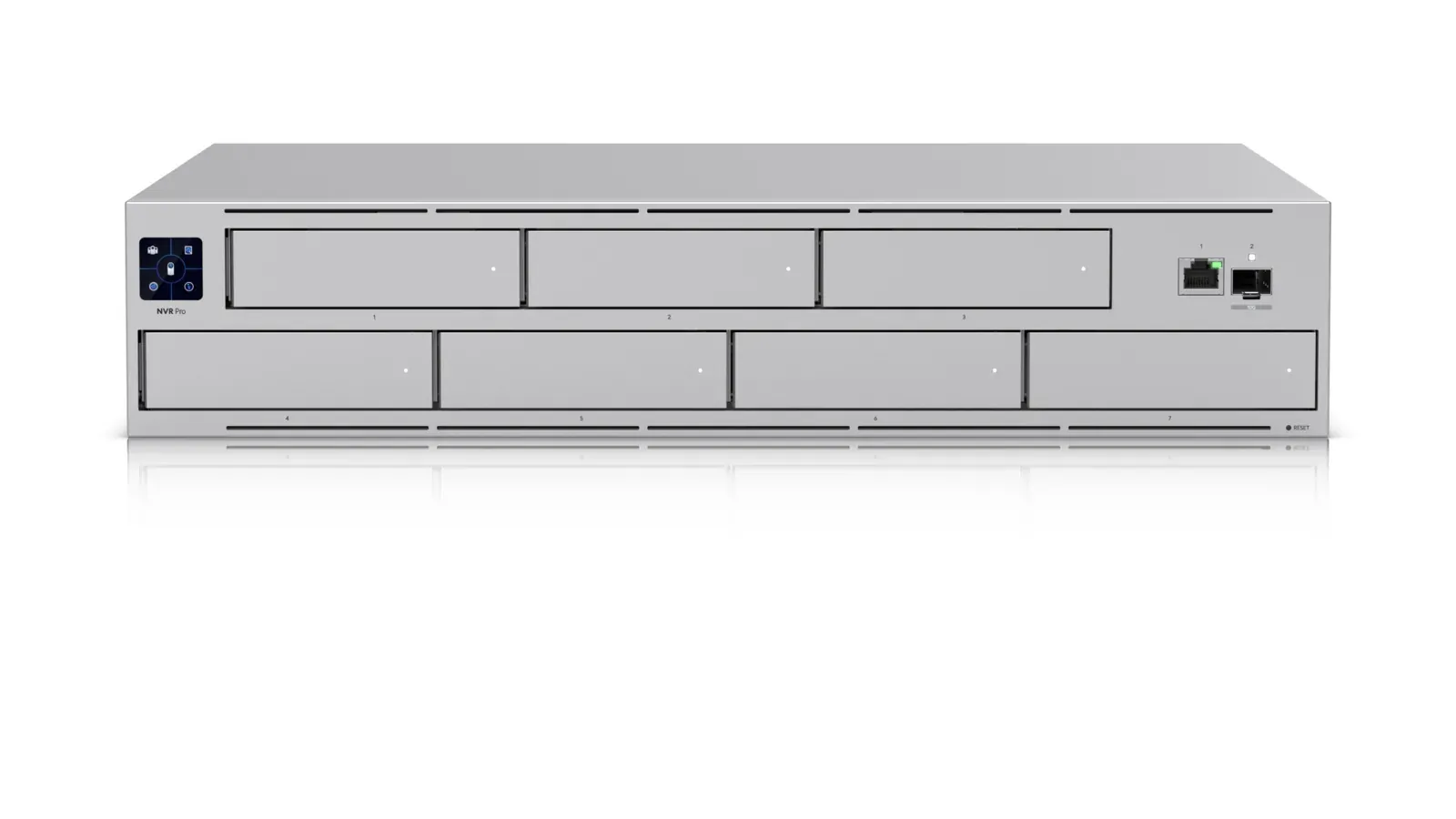
As many days as its drives hold, and we size the drives to the history you want. Ubiquiti rates its 4-bay UNVR at up to 30 days for 18 4K cameras and its 7-bay UNVR Pro at up to 60 days for 24. Fewer cameras on the same drives keep more days.
A real example: a 16-camera system we maintain, recording around the clock, writes about 0.74 TB a day. With four 12 TB drives in RAID 5 it keeps about 47 days. When the recorder fills, UniFi Protect deletes the oldest footage first, so recording never stops.
We use new 7200 RPM CMR surveillance drives of the same size in every bay, and check the oldest footage date at handover so the days you were promised are the days you get.
How do you cover the driveway and gate?
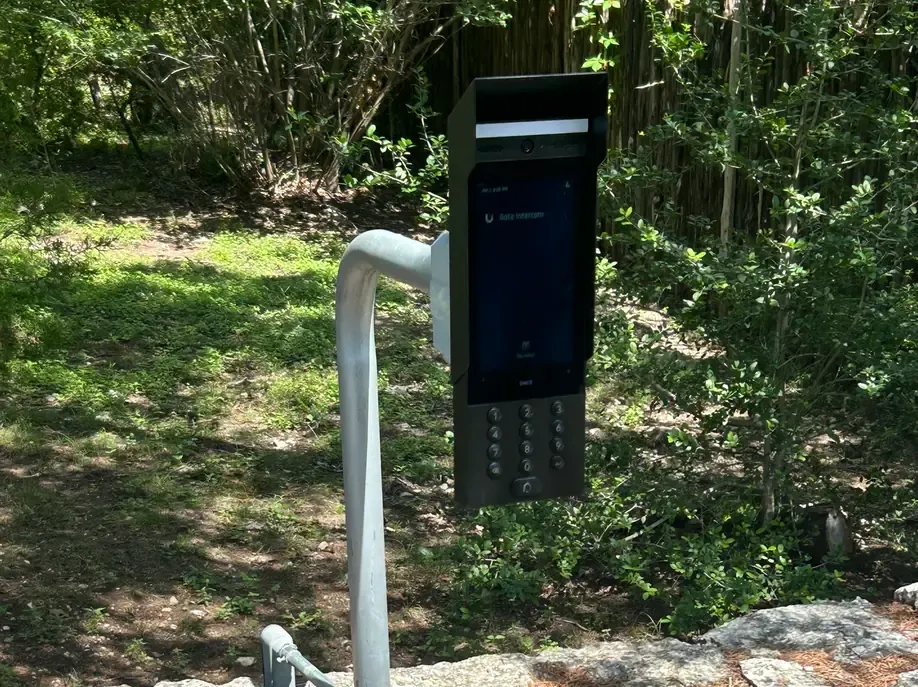
We give the driveway and the gate each their own camera, aimed where cars stop, and run fiber to any gate too far for copper cable. A small PoE switch with battery backup at the gate powers the camera and intercom, and the UniFi AI Key adds license plate detection when you want plate reads.
The driveway camera watches the motor court and garage doors. The gate camera frames the driver and the car at the call box. Gate operators, intercoms and plate entry are covered on our garage doors and gates page, and long runs on our fiber optic installation page.
Is there a monthly subscription for the cameras?
No. UniFi Protect records to the recorder in your home, so there is no monthly fee to record, store or play back video, and no per-camera plan. Ubiquiti sells an optional cloud archive for off-site copies, but you don't need it. Alarm monitoring is a separate service with its own fee.
Privacy is part of the design. The cameras sit on their own network segment that is blocked from the internet, and you reach them through the encrypted Protect app. Gate and doorbell alerts go to the accounts you choose, never to our technicians.
Video: Ubiquiti, Meet UniFi: Recording Privacy
What happens to the cameras when the internet goes down?
They keep recording. Video travels over cables to the recorder in your home, so recording does not depend on the internet. You lose remote viewing and phone alerts only until the connection returns, and on networks we manage, automatic cellular backup internet usually keeps the app connected.
Power is the other half. We put the recorder and camera switches on battery backup, and give every detached building its own switch and battery. Once the internet is back, the full recording is there to review.
Do cameras replace an alarm system?
No. We split the job in two. Walls in is a Qolsys alarm with Alarm.com monitoring: door and window sensors, motion detectors and central-station dispatch. Walls out is UniFi Protect: cameras, the video doorbell and the gate. We plan them together and install them as separate systems.
The alarm calls for help and the cameras show what happened. The Qolsys panel also reports over cellular, so monitoring continues if the home internet drops. See home security systems for the alarm side, and prewire if you are building, since camera cable is easiest before drywall.
Project: cameras and network in a four-story West Lake Hills home
The owners first hired us for Wi-Fi and cameras in a previous home. When they moved, they inherited a network and camera system from another installer. We documented and relabeled every camera and cable before changing anything, then rebuilt the network on fiber to 10 Gig switches.
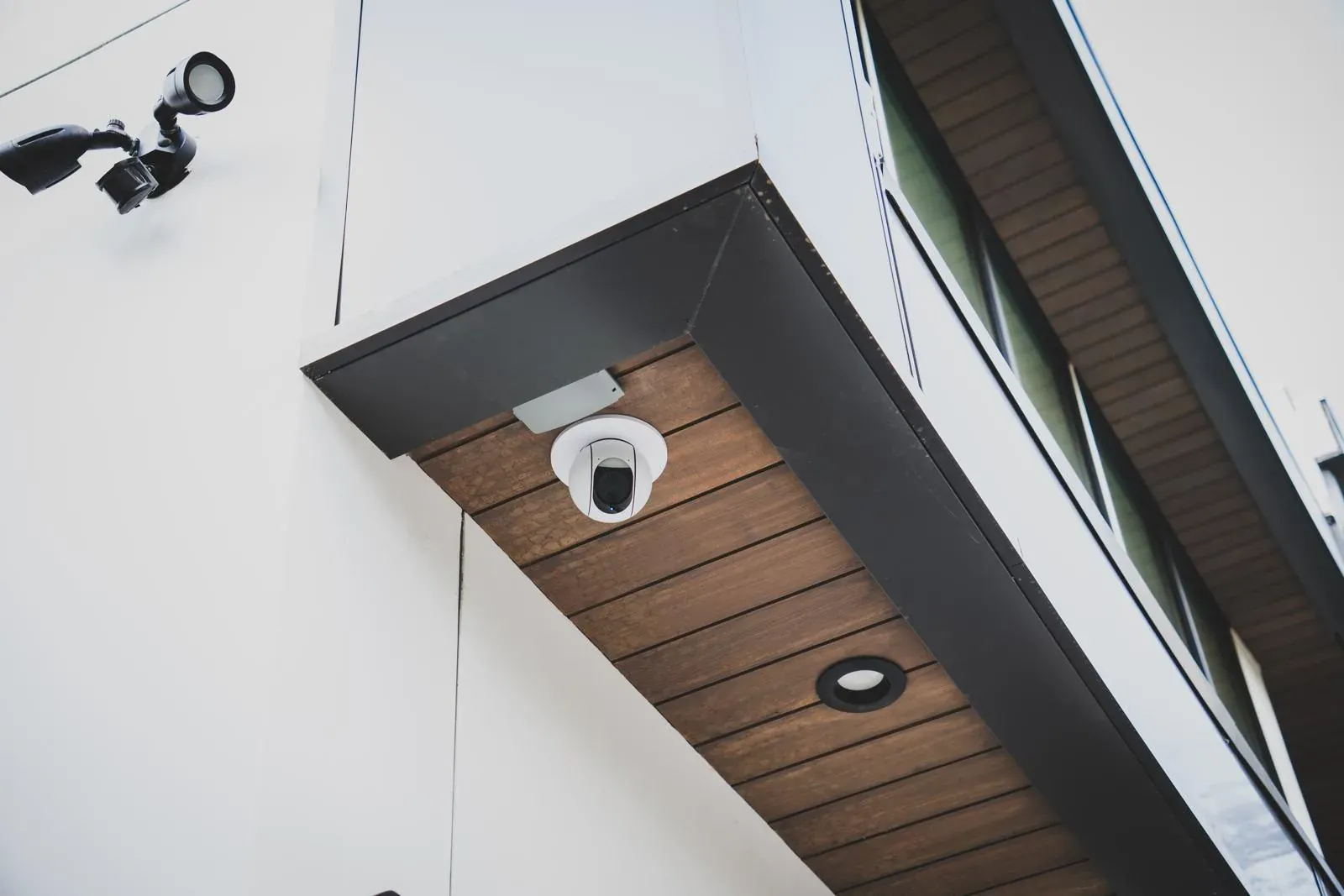
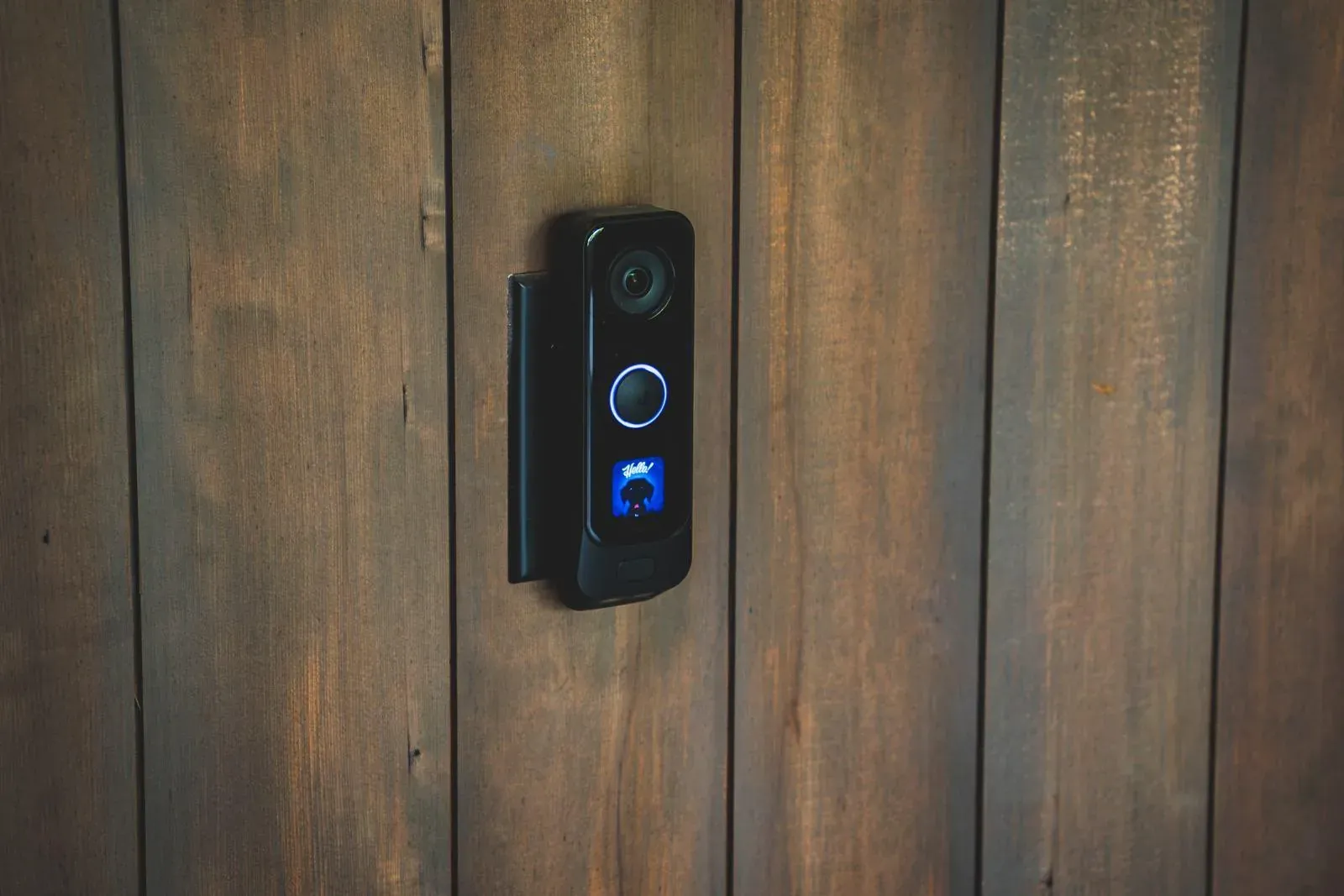
Satellite backup internet and a solar battery back up the connection and the power. The soffit camera and video doorbell pictured on this page are from this home. Read the full story: West Lake Hills modern home project.
"Pete and Andrew are a great team. I have called on them for years to install security cameras, audio and video systems in our home..."
Herbert Jr., 5-star Google review, October 2025
Over 160 5-Star Google Reviews · Texas DPS Private Security license B28437501
Security camera questions
Should security cameras be wired or Wi-Fi?
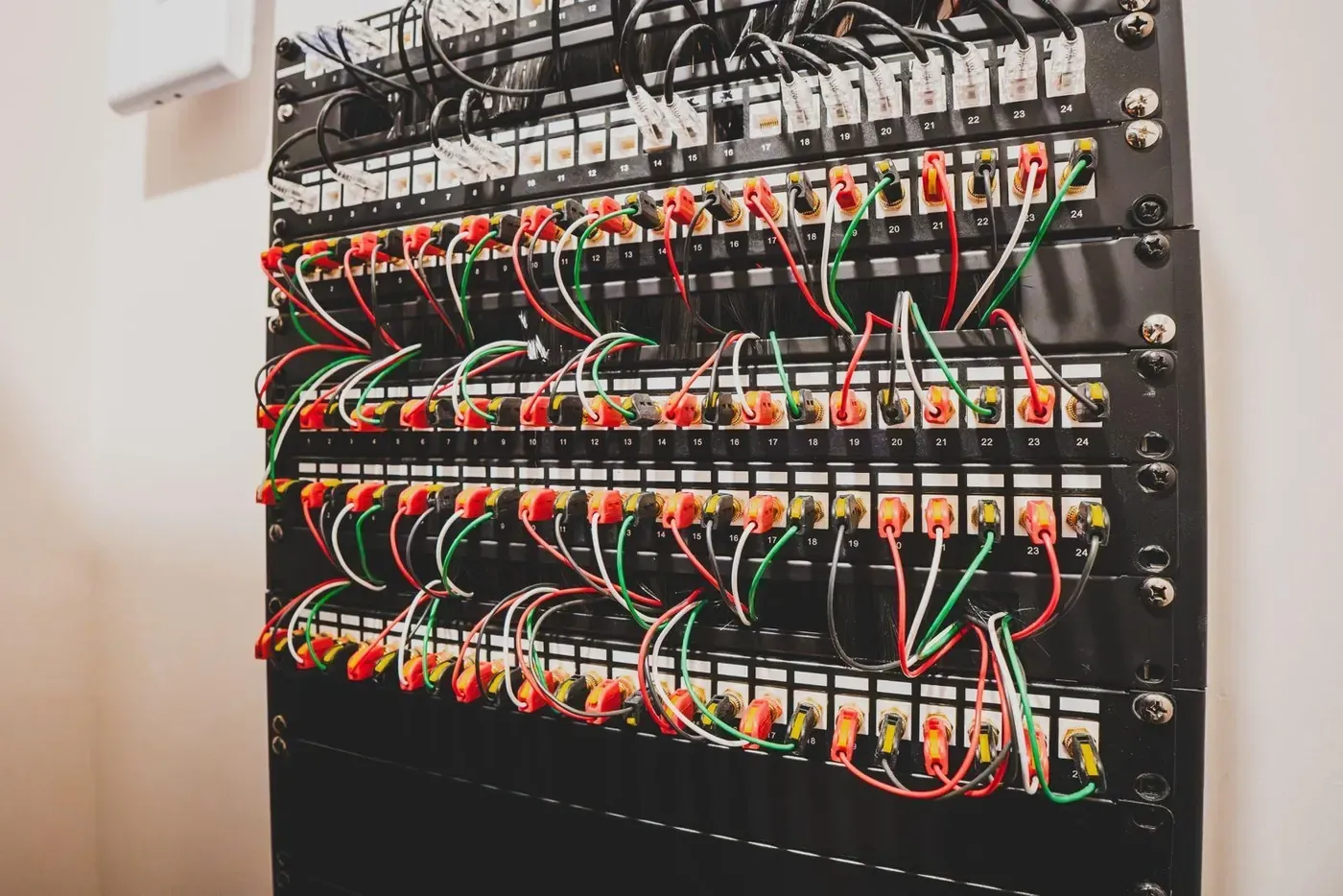
Wired. We run every camera on its own Cat 6 cable with Power over Ethernet, which carries power and video on one wire. A Wi-Fi camera streams video around the clock, using airtime the rest of the house needs and slowing Wi-Fi for every phone, TV and speaker on that radio. A wired camera also never needs a battery change.
Does a security camera installer need a license in Texas?
Yes. Texas Occupations Code Chapter 1702 counts a camera system that records images of a residence as an alarm system, and a company that sells, installs or services one needs a license from the Texas Department of Public Safety. Smarter Homes holds Texas DPS Private Security license B28437501. Ask any installer for their number before you hire them.
Can I watch the cameras when I am away from home?
Yes, through the encrypted UniFi Protect app on your phone. Remote viewing streams over your internet upload speed, so we check the upload speed of your internet plan before we choose how many cameras to install and what quality each one records at. That keeps live view from your phone smooth when several people watch at once.
Can cameras cover a dock or guest house far from the main house?
Yes. Copper network cable is limited to 328 feet, so for docks, guest houses and detached garages we run fiber optic cable from the main rack to a small PoE switch with battery backup in that building. The cameras there plug into that switch and record to the same UniFi Protect recorder as the rest of the property.
Can you take over an existing camera system?
Yes. We start by documenting what is there: each camera, its cable, the recorder and the network it sits on. On a West Lake Hills project, we documented and relabeled an inherited network and camera system before changing anything. Then we tell you which cameras and cable can stay, what should be replaced, and why.
Is the video doorbell part of the camera system?
Yes. We install the UniFi Protect doorbell on the same Protect recorder as your cameras, with its chimes paired underneath it. The doorbell shows up in the same app and timeline as the entry cameras, so you can see who rang and then watch them walk up the drive. See our video doorbell page for models and mounting.
Start your camera plan
Homeowners: book a consultation, virtual or in person, to see the cameras and the Protect app on a live system. We will sketch coverage for your property and the recording days you want.
Builders and architects
Send the site plan and floor plans as PDFs. We mark camera locations, Cat 6 and fiber runs, and the rack before drywall. Related reading: whole-home Wi-Fi, prewire, fiber optic installation and video doorbells.
Our Partners








Smarter Homes, 5524 Bee Caves Rd Unit J8, West Lake Hills, TX 78746. Texas DPS Private Security license B28437501. Regulated by the Texas Department of Public Safety, Private Security Program. Texas Occupations Code Chapter 1702.