
Control4 and Crestron migration
Control4 and Crestron Replacement in Austin
A Control4 or Crestron replacement swaps an aging central processor and its programming for a subsystem-based design, where Lutron, Sonos, UniFi and the alarm each run on their own and Josh.ai sits on top for voice, touchscreens and remotes. Most of the wiring, the Lutron lighting and the speakers stay in the walls.
- Over 160 5-Star Google Reviews
- In business since 2006
- HTA Estate Certified

When it is time
What are the signs a Control4 or Crestron system needs replacing?
Replace it when the processor can no longer take software updates, the original programmer is gone, or the same fixes keep coming back. Slow touchpanels, remotes that drop commands, an app that broke after a phone update and nobody able to open the programming file are the usual signs.
- The controller or processor is a model the manufacturer no longer updates
- Touchpanels lag, freeze or need a reboot every few weeks
- The phone app stopped working after an iOS or Android update
- The dealer who wrote the programming has closed, moved or stopped answering
- Nobody has the project file, so every change starts from guesswork
- One failed box takes out lights, music and TVs at the same time
Aging hardware is a documented problem. Control4's OS 3 release notes say the HC-250 controller cannot be upgraded to OS 3 and the HC-800 loses its on-screen display, and Crestron lists 2-Series processors such as the PRO2 as discontinued. Once a processor is stuck on old software, new phones, TVs and streaming apps stop talking to it.
Age alone is not the reason to replace. A system that is documented, supported and doing its job can stay. The trigger is a house that depends on one processor and one programmer when neither is available.
What stays in the walls
What can you keep when you replace Control4 or Crestron?
Usually most of it. Structured wiring, speaker wire, Lutron lighting and shades, Sonos players, a UniFi network and the TVs typically stay. What changes is the central processor, the touchpanels and remotes, and the programming that tied them together, which is the part that ages fastest.
- Lutron lighting and shades. RadioRA 3 and HomeWorks QSX keep running on their own and connect to Josh.ai directly. See lighting control or Austin Lutron for the Lutron side.
- Sonos and speakers. In-ceiling speakers and Sonos players stay and move under Josh.ai. More on whole-home audio.
- The network. A wired UniFi network stays, with VLANs reviewed. See whole-home Wi-Fi.
- Security. The alarm stays on its own panel and monitoring. See security systems.
- Wiring. Cat 6 and speaker wire are tested and reused where they pass.
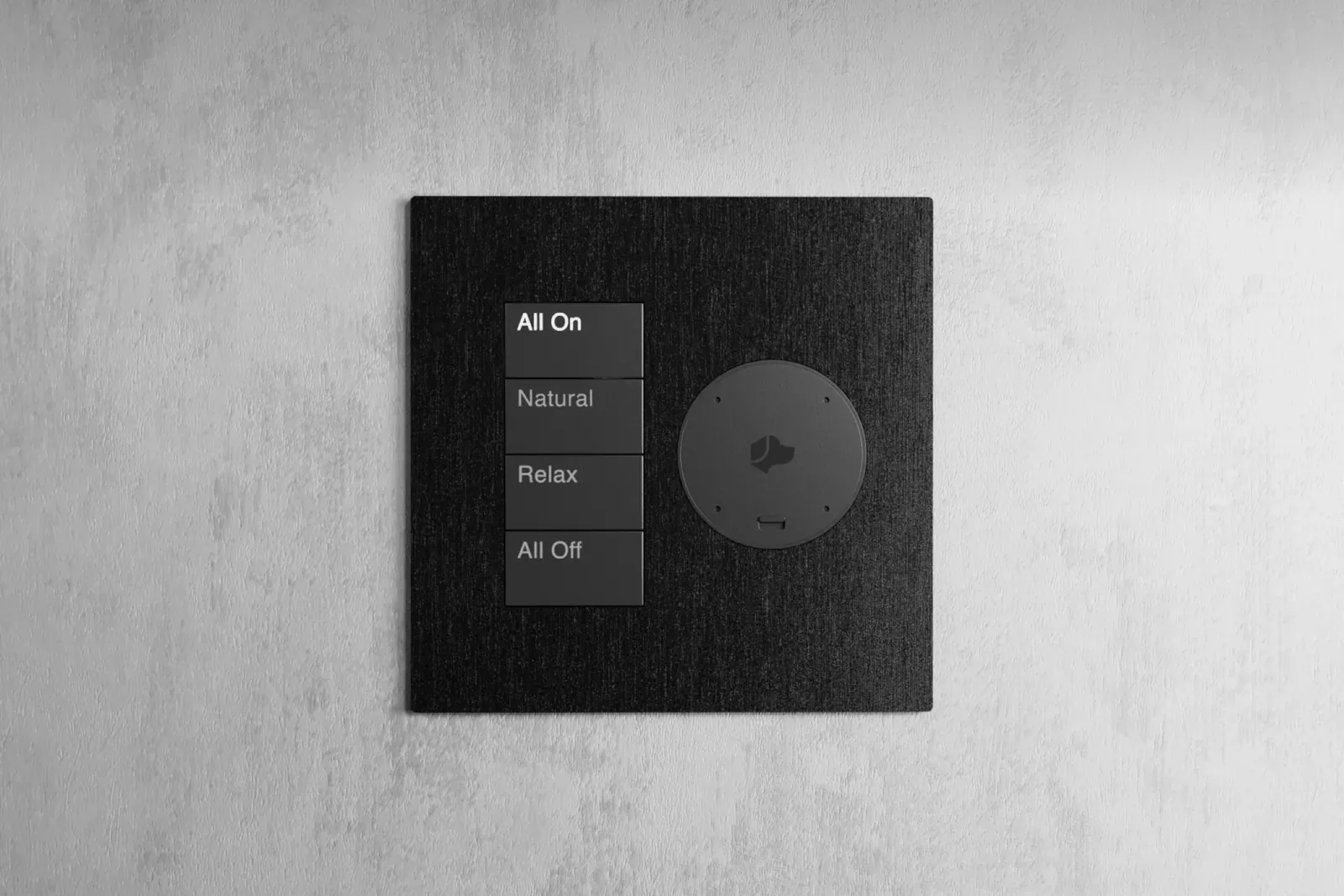
Keep, re-program or replace
Which parts of a Control4 or Crestron system get kept, re-programmed or replaced?
Anything that runs on its own and still tests well is kept. Anything that only worked through the old processor is re-programmed under Josh.ai. The processor, its touchpanels and remotes, and any dimmers from the old control brand are replaced. This table is the starting point for the written plan.
| Part of the system | Usual outcome | Why |
|---|---|---|
| Cat 6 and speaker wire | Keep | Tested run by run and reused where it passes; new runs only where a device needs one |
| Lutron RadioRA 3 or HomeWorks QSX | Keep and re-program | Connects to Josh.ai directly, so dimmers, keypads and shades stay |
| Older Lutron systems | Keep or upgrade | Reviewed first; some need a Lutron processor upgrade to connect |
| Control4 or Crestron dimmers and keypads | Replace | Swapped for Lutron, usually in the same wallboxes and on the same load wiring |
| Sonos players and in-ceiling speakers | Keep and re-program | Sonos runs on its own; Josh.ai adds voice and room-by-room control |
| UniFi network | Keep | VLANs and wired access points reviewed for the Josh.ai devices |
| Alarm panel | Keep or replace | Kept if it is current and monitored; otherwise replaced with a Qolsys panel and Alarm.com monitoring |
| Thermostats | Keep or replace | Lutron where it fits the HVAC, Ecobee otherwise; multi-stage systems keep the manufacturer's thermostat |
| TVs and Apple TV | Keep and re-program | Moved onto Josh Edge remotes and the Josh.ai app |
| Central processor or controller | Replace | A Josh Core takes over voice, touchscreen and remote control |
| Touchpanels and handheld remotes | Replace | Josh touchscreens, Josh Edge remotes and the Josh.ai app |
| Programming | Replace | Rebuilt from scratch, documented and handed over to you |
If the old system ran the lighting itself, with Control4 or Crestron dimmers instead of Lutron, that lighting is the largest part of the job. The wiring in the wall usually stays. Panel-based lighting moves to Lutron HomeWorks QSX panels, and wallbox dimmers move to Lutron keypads and dimmers.
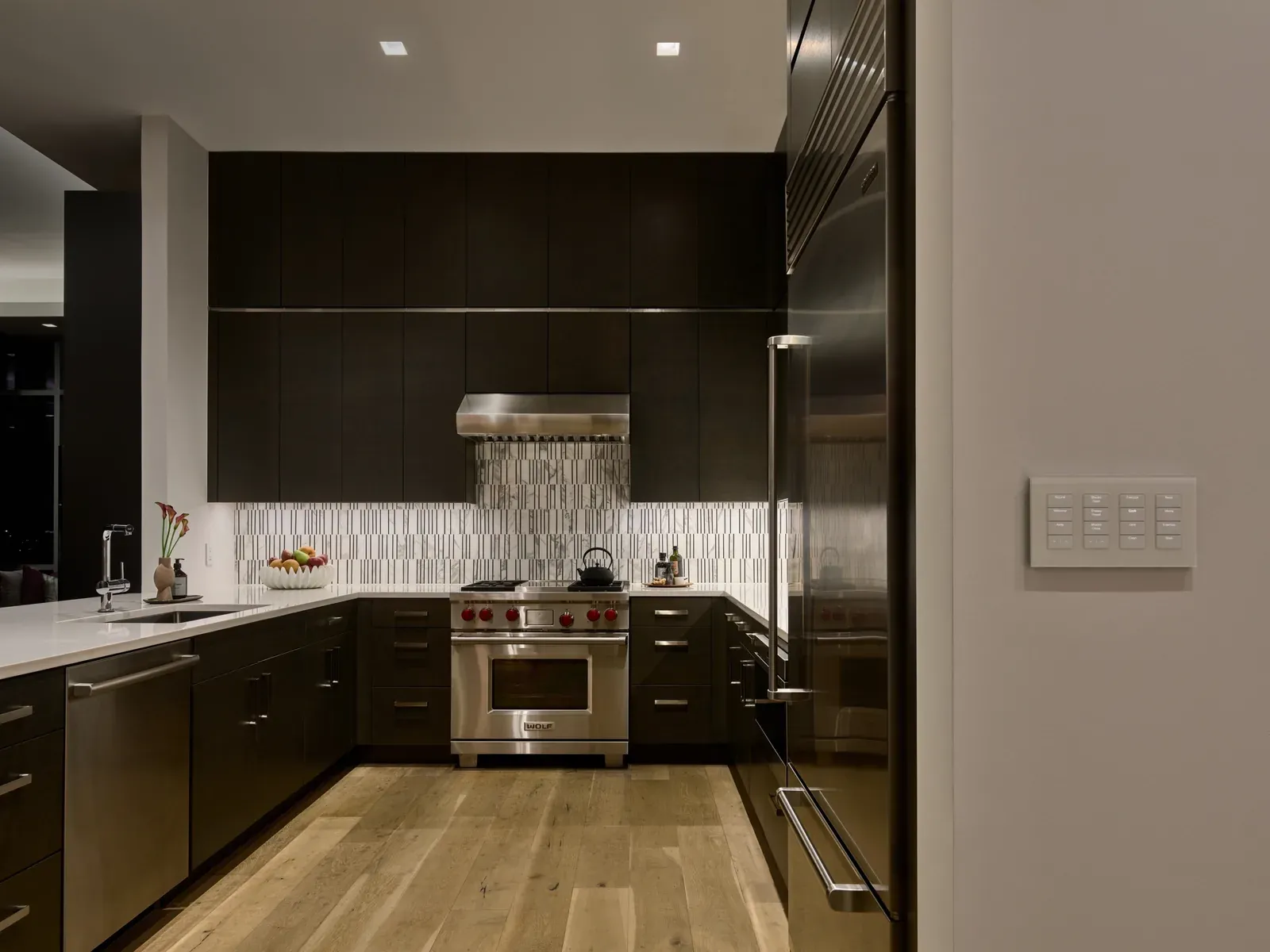
Process and timeline
How does a Control4 or Crestron migration work, and how long does it take?
In five stages: a walkthrough and inventory, a written keep or replace plan, the network and lighting work, the Josh.ai install and programming, then a handover with documentation. The plan sets the schedule. Keeping Lutron and swapping the processor is the shorter job; replacing old-brand dimmers takes longer.
What happens at the walkthrough?
We open the rack, list every device and test the wiring, then ask what the family actually uses and what has stopped working.
What is in the written plan?
Every part marked keep, re-program or replace, the new device locations, the runs to add and the dates any room will be offline.
What comes first on site?
The UniFi network and the Lutron work, so lighting and Wi-Fi are solid before the old processor comes out.
When does Josh.ai go in?
The Josh Core, microphones, touchscreens and Josh Edge remotes are installed, then rooms and scenes are programmed with the names on your keypads.
What do we hand over?
A walkthrough for the family, documented wiring and programming, and a support agreement from the team that built it.
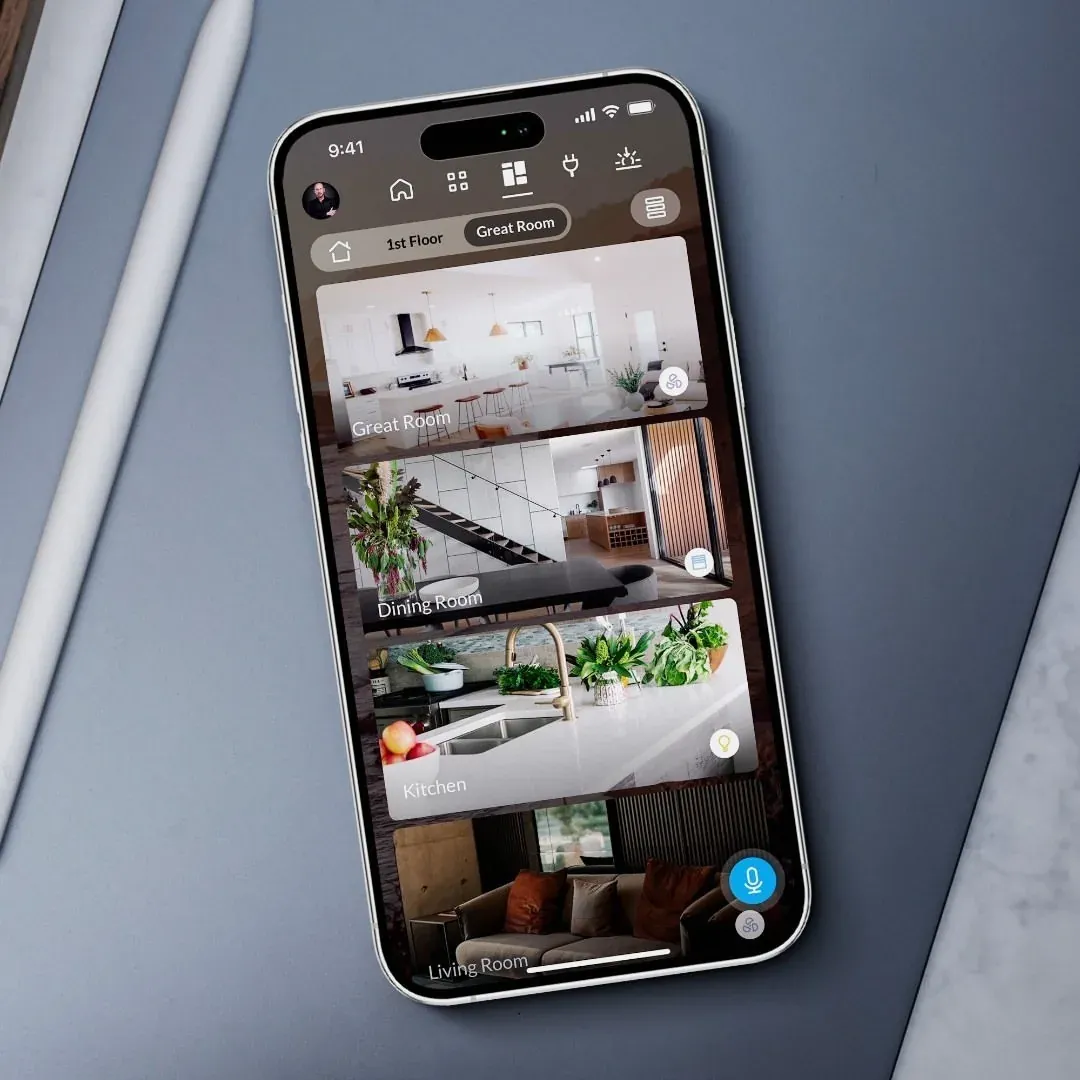
Most days the house works normally during the change. Lutron keypads, Sonos and Wi-Fi keep running on their own, so the hours when a room is offline are short and listed in the plan. For larger lighting changes we schedule the work around a family trip.
The new control layer
What replaces the Control4 or Crestron processor?
Josh.ai, running on a Josh Core processor, becomes the voice, touchscreen and remote layer, while Lutron, Sonos, UniFi and the alarm keep running on their own. If Josh.ai is offline, the Lutron keypads still work, music still plays from the Sonos app and the alarm still arms.
That is the point of a subsystem-based design: the house does not depend on one processor. Josh.ai needs an internet connection to work, its FAQ says, so the parts that matter most during an outage, lights and security, stay independent. Read more on Josh.ai home control and our wider approach to home automation.
Josh.ai also lists Control4 and Crestron among the systems it can control. Some homes add Josh.ai first and retire the old processor later, which spreads the work out but means programming twice.
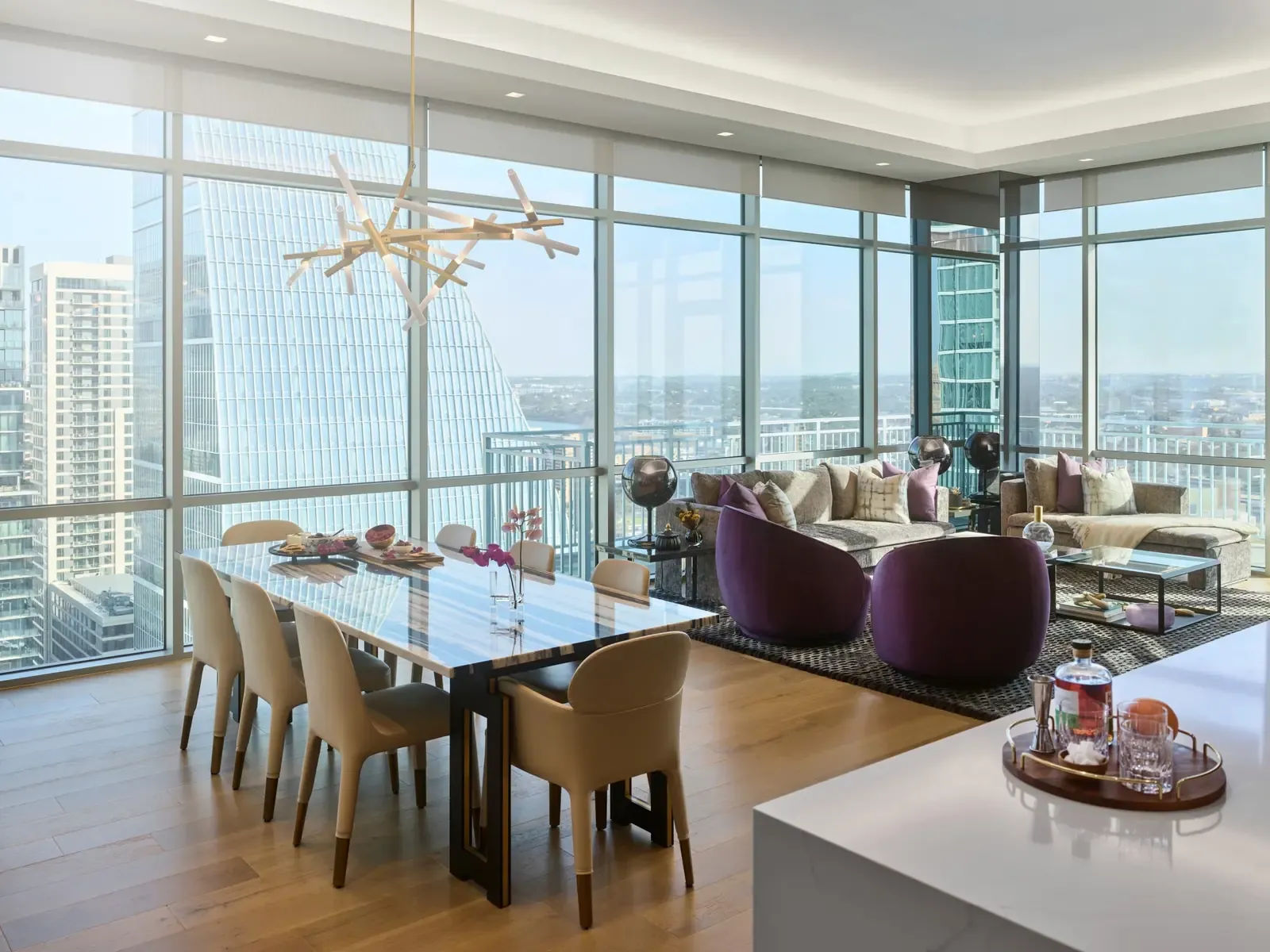
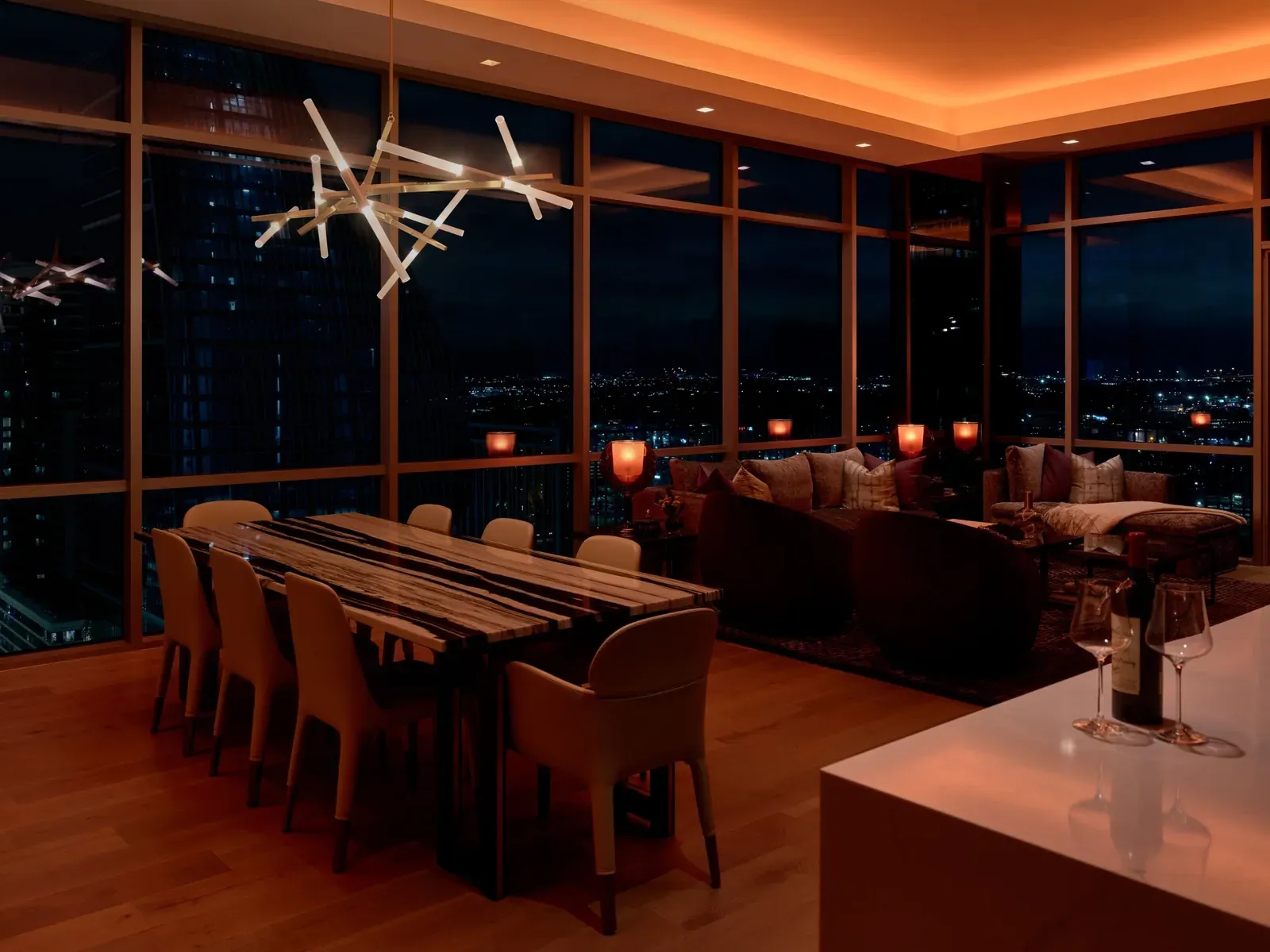
Westlake and Tarrytown
Who replaces Control4 and Crestron systems in Austin?
Smarter Homes, in business since 2006, from its showroom at 5524 Bee Caves Rd in West Lake Hills. We are HTA Estate Certified. We build on Josh.ai, Lutron, Sonos and UniFi, and you can see the controls in person at the showroom before any wall plate comes off.
Any large-scale project retrofitting an existing home will have technical challenges, and Smarter Homes went above my expectation to iron out any wrinkles, be patient with me when I had to ask for changes to the original design, and to work to my complete satisfaction with any hardware or custom programming issues.
Over 160 5-Star Google Reviews. Read all of our Google reviews
Where we work
Where do you replace Control4 and Crestron systems?
We replace older control systems in Westlake, Barton Creek, Tarrytown, Rollingwood, Spanish Oaks, Bee Cave, Lake Austin waterfront homes and across Austin, from our showroom on Bee Caves Road in West Lake Hills. The walkthrough happens at your house, and the showroom visit can come before or after it.
- WestlakeNear our showroom
- Barton CreekEstates with large original systems
- TarrytownRemodels that keep the existing wiring
- RollingwoodRetrofits and new construction
- West Lake HillsShowroom on Bee Caves Road
- Spanish OaksNewer homes outgrowing their first system
- Lake Austin waterfrontWaterfront homes with docks and outdoor zones
- Bee CaveWhole-home and room-by-room upgrades
- AustinHomes across the city
Questions
Control4 and Crestron replacement questions
Can you replace Control4 or Crestron without rewiring the house?
Usually, yes. Cat 6, speaker wire and Lutron wiring are tested and reused wherever they test well. New runs are added only where a device needs one, such as a Cat 6 PoE run behind a new touchscreen or a Josh.ai microphone. The written plan lists every run we keep and every run we add.
Do I have to replace my Lutron lighting?
No. Lutron RadioRA 3 and HomeWorks QSX connect to Josh.ai directly through Lutron's integration, so the dimmers, keypads and shades stay and keep working on their own. Older Lutron systems are reviewed first, and some get a processor upgrade. Lighting from the old control brand is the part that gets replaced.
How long does a Control4 or Crestron migration take?
The written plan sets the schedule after the walkthrough. A swap that keeps the Lutron lighting and replaces the processor, touchpanels and remotes is the shorter job. Homes that also change non-Lutron dimmers and keypads take longer, and we schedule the noisier work around a family trip when that helps.
Will my Sonos and network keep working during the switch?
Yes. Sonos plays from its own app and a UniFi network runs on its own, so music and Wi-Fi stay up while the old processor comes out. Lutron keypads keep working through the change too. Most days the house works normally, and anything that will be offline is listed in the schedule ahead of time.
Can Josh.ai work with my existing Control4 or Crestron system?
Yes, for a while. Josh.ai lists Control4 and Crestron among the systems it integrates with, so some homes add Josh.ai first and retire the old processor later. It costs a second round of programming, so we only suggest it when a phased budget or a busy season makes one larger change hard.
Why not replace an old Control4 or Crestron system with a newer one?
Because the house would still depend on one processor and one programmer. A subsystem-based design keeps Lutron, Sonos, UniFi and the alarm running on their own, with Josh.ai on top for voice, touchscreens and remotes. If one layer needs service, the rest of the house keeps working.
Start the plan
How do you start a Control4 or Crestron replacement?
- 1
Book the walkthrough
Tell us what system you have and what has stopped working.
- 2
Get the written plan
Every part marked keep, re-program or replace, with the schedule.
- 3
See it first
Visit the showroom to see the new controls before work starts.
Builders and architects
Remodeling a house with an older Control4 or Crestron system? Send the plans and the existing equipment list. We mark what stays, what moves and where new Cat 6 runs belong before demolition. See retrofit work.
Send plans for reviewHomeowners
Visit our West Lake Hills showroom to see Josh.ai and Lutron controls in person, or meet by video. Bring photos of your rack and touchpanels. Or call 512-775-6101.
Book a consultationSources
- Control4 OS 3 dealer release notes (checked Nov 2026): HC-250 cannot move to OS 3; HC-800 loses its on-screen display
- Crestron, PRO2 2-Series processor (discontinued) (checked Nov 2026)
- Lutron RadioRA 3 integration FAQ (checked Nov 2026): integrations include Crestron, Control4 and Josh.ai
- Josh.ai, Lutron HomeWorks QSX and Ketra support (checked Nov 2026)
- Josh.ai, Lutron RadioRA 3 support (checked Nov 2026)
- Josh.ai with Control4 (checked Nov 2026)
- Josh.ai supported devices (checked Nov 2026): Control4, Crestron Home and Crestron SIMPL listed
- Josh.ai FAQ (checked Nov 2026): internet required; professional installers only
Smarter Homes, 5524 Bee Caves Rd, Unit J8, West Lake Hills, TX 78746. 512-775-6101 · Book a consultation