Smart door locks and entry
Smart Lock Installation in Austin
See who is at the door, talk to them and let them in from your phone, without handing out keys. We install smart locks tied into your security system, video doorbell and home automation in Austin, Westlake, Tarrytown and West Lake Hills.
- Over 160 5-Star Google Reviews
- In business since 2006
- HTA Estate Certified

How it works
What is a smart lock, and what does it add to my home?
A smart lock is an electronic and mechanical lock that opens for an authorized user's code, phone or touch. Tied into home automation and a video doorbell, it lets you see who is at the door, talk to them and then open the door or the garage. That adds security without handing out keys.
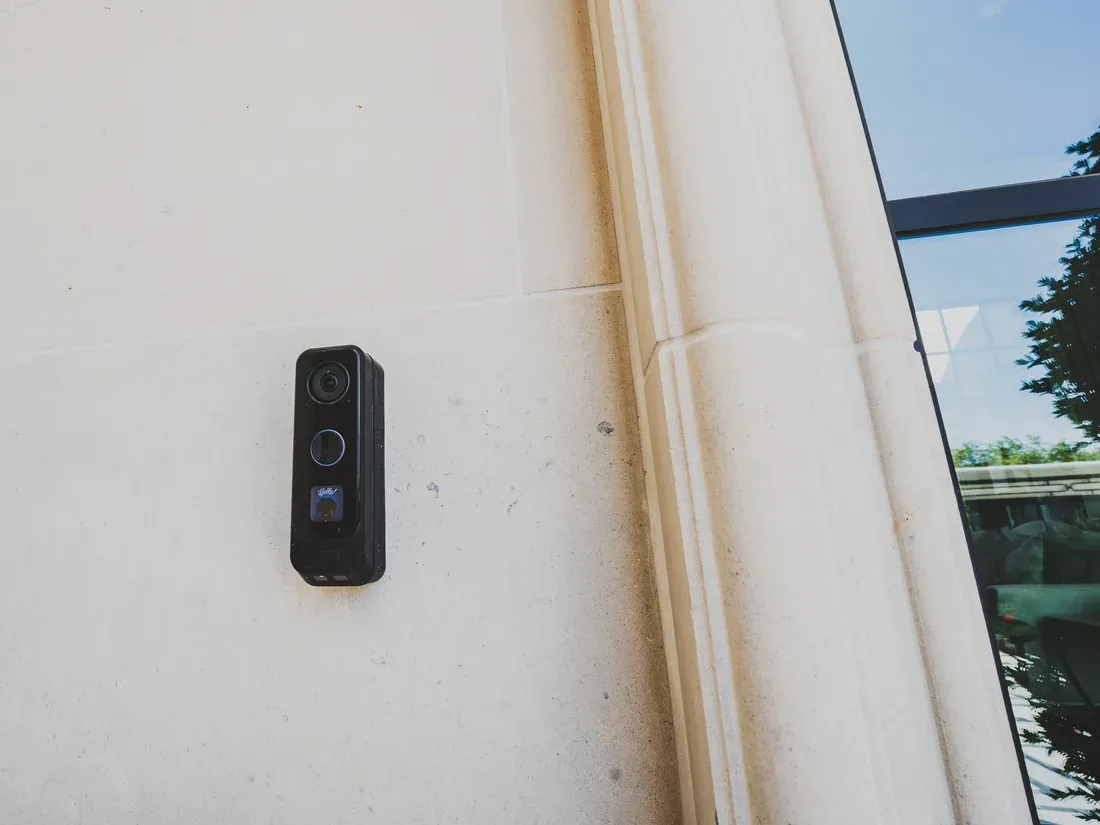
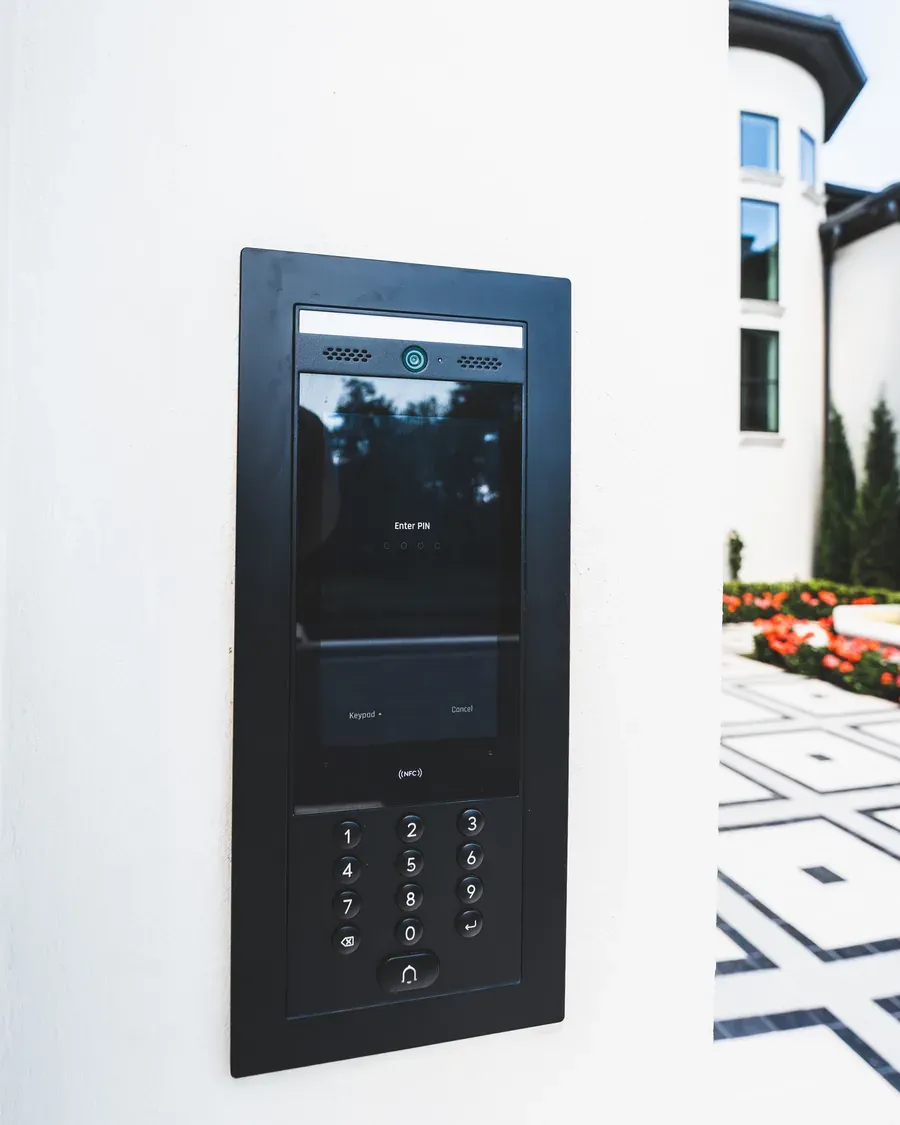
We pair locks with a UniFi G6 Entry or UniFi Intercom at the door, so you can talk to visitors, view them on the cameras and control the locks from your phone. Every lock and entry event is logged, so you know who came in and when.
- Codes per person. Family, housekeeper, dog walker and contractors each get their own.
- Remote entry. Let a delivery or a guest in while you are away.
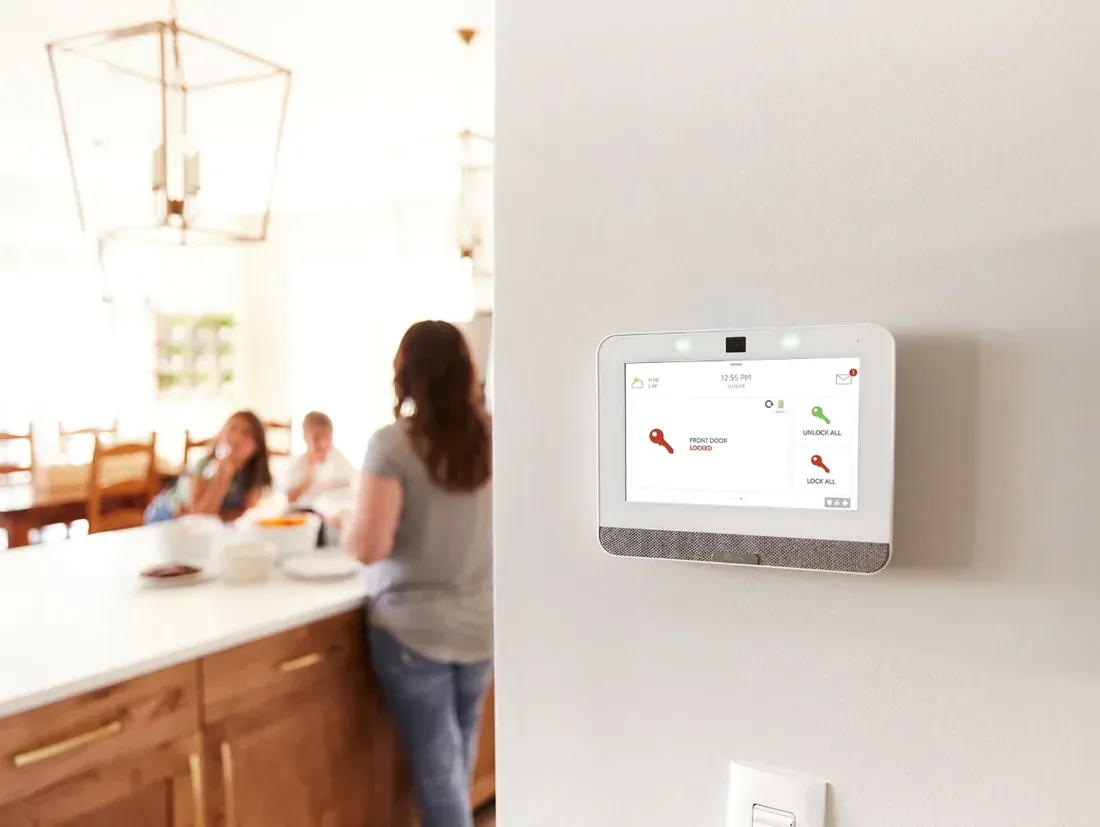
- Lock-all scenes. One goodnight or away command locks every connected door.
- Alerts. Get a notice when a specific code is used.
Lock types
What types of smart locks can I choose from?
Most smart locks fall into three keypad styles: touchscreen, soft button and no buttons at all. Touchscreen numbers light up for an easy-to-read display, soft-touch keypads allow quick entry with a physical press, and buttonless locks open by proximity or touch. The right one depends on who uses that door.
| Keypad style | How you open it | Good fit | Watch for |
|---|---|---|---|
| Touchscreen | Code on a lit glass keypad, phone or key | Front doors used at night | Smudges show on dark finishes |
| Soft button | Code on raised buttons you can feel, phone or key | Older family members and staff | Worn buttons can hint at the code over time |
| No buttons | Proximity, touch, phone or Apple Home Key | The door you use every day | Guests without the app need another way in |
| Fingerprint | Fingerprint reader, plus code or phone | Family members who forget codes | Check the model for remote access |
We match the lock to the door hardware and finish, and to the rest of the house. Yale lists fingerprint access on the Assure Lock 2 Touch, and Schlage and Yale both offer touchscreen and keypad models in several finishes.
Connections
Should my smart lock use Z-Wave, WiFi, Bluetooth or Matter?
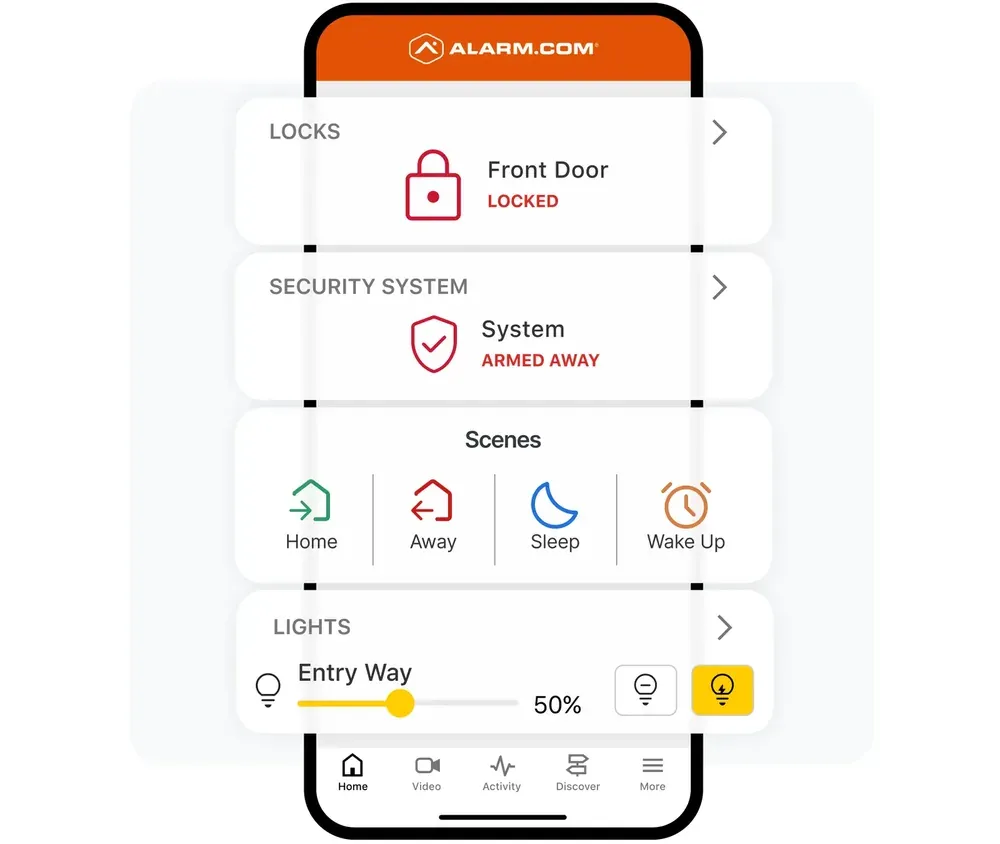
In homes with a Qolsys alarm panel we generally choose Z-Wave locks, because the panel runs the Z-Wave network and the doors show up in the Alarm.com app next to the alarm. WiFi and Matter locks work on their own or with voice assistants. Bluetooth-only locks need your phone nearby unless a WiFi module is added.
| Connection | Talks to | Remote access |
|---|---|---|
| Z-Wave | Qolsys panel and Alarm.com | Yes, through Alarm.com |
| WiFi | Your home WiFi and the maker's app | Yes |
| Matter over Thread | Apple Home, Google Home and other Matter hubs | Yes, through a hub |
| Bluetooth | Your phone, nearby | Only with an added WiFi module |
Schlage's Connect Z-Wave lock uses Z-Wave Plus with S2 security and shares up to 30 access codes. The Schlage Encode Plus has built-in WiFi and works with Thread and Matter. Yale's WiFi models need a 2.4 GHz network, so the signal at the door matters; see whole-home WiFi.
Doorbells and intercoms
Can a smart lock work with my video doorbell and cameras?
Yes. We pair smart locks with a UniFi G6 Entry or UniFi Intercom at the door and UniFi Protect cameras. You see the visitor, talk to them and open the door from your phone, and each entry is logged. The same lock can also be part of a goodnight scene that locks every door at once.
Ubiquiti lists the G6 Entry with a 5MP main camera, a separate 8MP package camera, two-way audio and PoE+ power over one network cable. Its card, Face ID and phone entry features need a UniFi Access hub and the UniFi Access app alongside UniFi Protect.
Inside the walls, the alarm runs on Qolsys and Alarm.com; outside, cameras and doorbells run on UniFi Protect. See security camera systems and security systems for each side.
Guest access
How do guest and contractor codes work?
You issue a code that works only on certain days or hours, then delete it when the job is done. Every use is logged under the code's name, so you never hand out a key or share your own code. With Alarm.com you can also get an alert each time a code is used.
| Code type | When it works | Example |
|---|---|---|
| Always on | Any time | Family members |
| Scheduled | Set times that repeat each week | Housekeeper, Monday and Wednesday, 8 a.m. to 4 p.m. |
| Temporary | One date and time window | A contractor for the length of a project |
Each code can be allowed on some doors and not others, and on the alarm panel or not. Scheduled and temporary codes need a compatible Z-Wave or PowerG lock enrolled on the Alarm.com account.
Reliability
Do smart locks still work if the internet or power goes out?
Yes. Smart locks run on batteries and keep their codes in the lock, so a keypad code or a physical key still opens the door without internet. Remote access and alerts come back when the network is restored, and a battery-backed network rack keeps remote access running through short outages.
Change the batteries when the app warns they are low rather than waiting for the lock to stop. Gate readers and video intercoms are powered from the network rack, so we put that rack on battery backup too.
Gates and side doors
Can side doors and gates have smart access too?
Yes. Side entries and garden gates can use keypad readers wired to the network, so family and staff open them with a code, card or phone. Gates often need a powered latch and a reader on the post rather than a battery deadbolt, so we plan wiring for them early, ideally before the stucco and fencing go up.
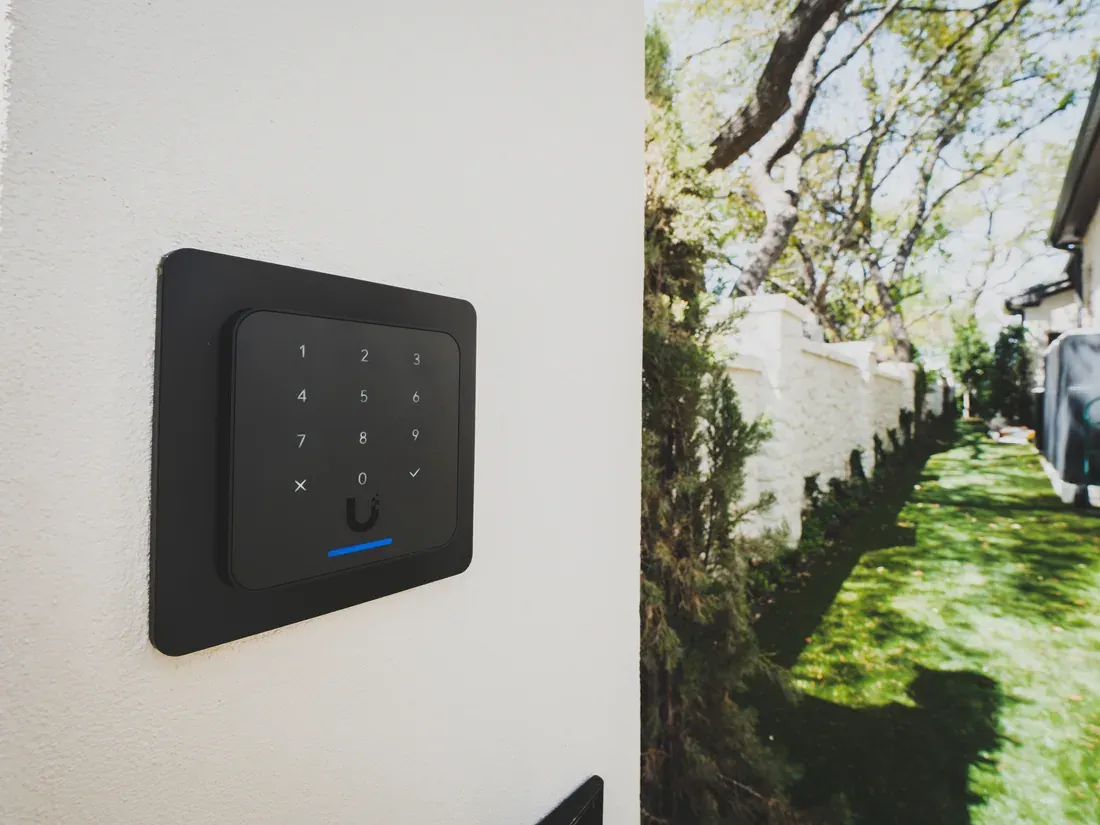
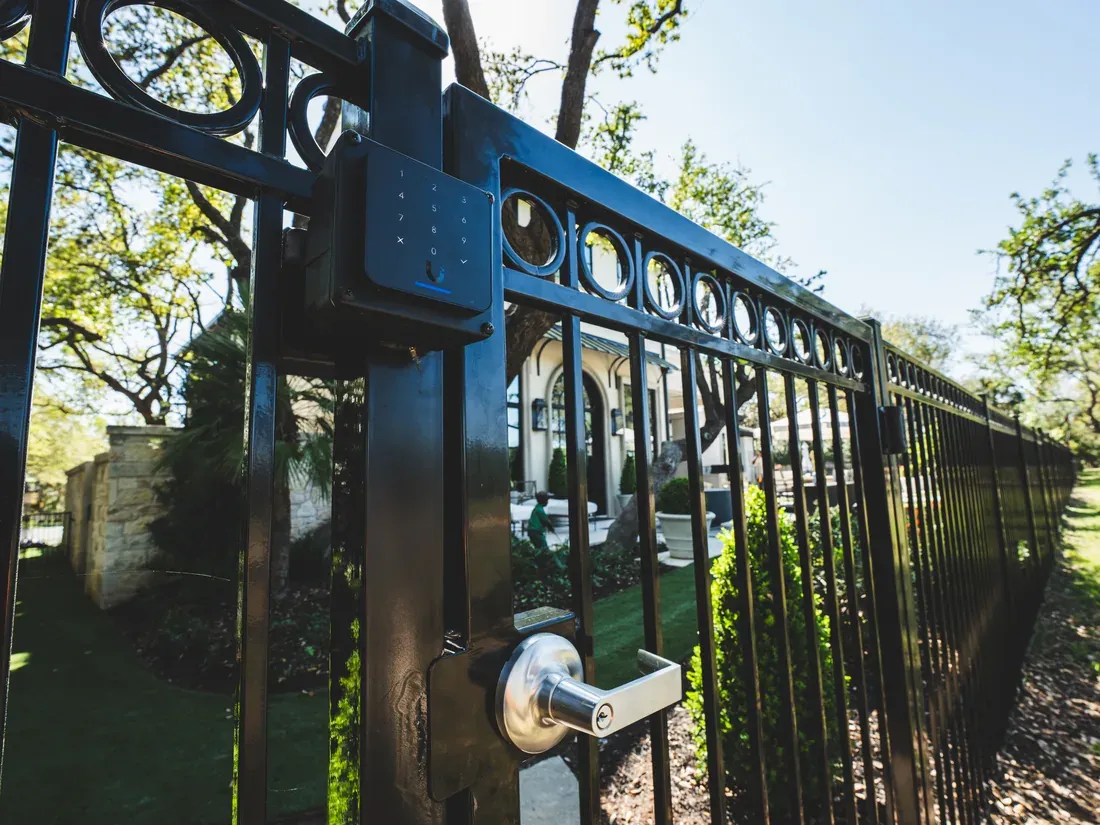
Ubiquiti notes that a G6 Entry connected to a UniFi Access hub can act as a reader that opens a door with access credentials. Garages can join the same scenes; see home automation.
Before you buy
What should I check before buying a smart lock?
Start with the door, not the lock. Measure the door thickness and existing deadbolt holes, decide who needs codes, and check whether the lock should join an alarm panel or stand on its own. Then match the finish to the handle set so the new lock looks like it came with the door.
Smart lock planning checklist
- Door prep. Thickness, backset and existing bore holes, and whether the deadbolt throws cleanly.
- Handle set. Finish and style of the lever or handle the lock sits above.
- Users. Who needs a code, and which ones should be scheduled or temporary.
- System. Qolsys panel with Z-Wave, WiFi on its own, or Matter with Apple Home or Google Home.
- Signal. Z-Wave or WiFi strength at the door, including detached garages and guest houses.
- Entry video. Network cable at the front door for a G6 Entry or UniFi Intercom.
Prefer to talk first? Call 512-775-6101.
Where we install
Where do you install smart locks?
We install smart locks, video intercoms and gate access in Westlake, Barton Creek, Tarrytown, Rollingwood, Spanish Oaks, Bee Cave, Lake Austin waterfront homes and across Austin, from our showroom on Bee Caves Road in West Lake Hills. New builds and existing doors both qualify.
- WestlakeFront doors, side gates and garages
- Barton CreekCourtyard gates with video intercoms
- TarrytownRetrofits on existing doors
- RollingwoodLocks added to Qolsys panels
- West Lake HillsShowroom on Bee Caves Road
- Spanish OaksGate and entry access
- Lake Austin waterfrontBoathouse and dock doors
- Bee CaveNew construction with planned wiring
- AustinHomes across the city
Questions
Smart lock questions
Can a smart lock work with my video doorbell and cameras?
Yes. We pair smart locks with a UniFi G6 Entry or UniFi Intercom at the door and UniFi Protect cameras. You see the visitor, talk to them and open the door from your phone, and each entry is logged. The same lock can also be part of a goodnight scene that locks every door at once.
Which kind of smart lock keypad should I choose?
That depends on who uses the door. Touchscreen keypads light up and are easy to read at night. Soft-button keypads give a physical press that older family members often prefer. Buttonless locks open by proximity or touch and suit a door you use daily. We match the lock to the door hardware and finish.
Do smart locks still work if the internet or power goes out?
Yes. Smart locks run on batteries and keep their codes in the lock, so a keypad code or a physical key still opens the door without internet. Remote access and alerts come back when the network is restored, and a battery-backed network rack keeps remote access running through short outages.
Can I give guests or contractors temporary access?
Yes. You can issue a code that works only on certain days or hours, then delete it when the job is done. Every use is logged under the code’s name, so you never have to hand out a key or share your own code.
Can arming the alarm lock my doors automatically?
Yes, with Z-Wave locks enrolled on a Qolsys panel. The panel runs the Z-Wave network for the deadbolts, so arming Away or a goodnight scene can lock every connected door, and the Alarm.com app shows which doors are locked. Locks on WiFi or Bluetooth alone stay in their own app instead.
Can I open the front door with my iPhone or Apple Watch?
Some locks support Apple Home Key, which opens the lock with a tap of an iPhone or Apple Watch. Schlage lists it on the Encode Plus, and Yale on the Assure Lock 2 Plus, which needs an iPhone XS or later. We confirm that the lock you like also fits your door and the rest of your system.
Start here
Who installs smart locks in Austin?
Smarter Homes, in business since 2006, from our showroom at 5524 Bee Caves Rd in West Lake Hills. We are HTA Estate Certified. We design and install smart door locks that join your security system, video doorbell and home automation, so you can control access to your home from anywhere with your phone or tablet.
Over 160 5-Star Google Reviews. Read all of our Google reviews
Sources
- Alarm.com: scheduled and temporary user codes (checked Nov 2026): Z-Wave or PowerG lock required; weekly and date-range codes
- Alarm.com: how to set up a user code (checked Nov 2026): per-device access, schedules, alerts on use
- UniFi G6 Entry tech specs (checked Nov 2026): cameras, two-way audio, PoE+
- UniFi G6 Entry store page (checked Nov 2026): Access hub needed for NFC and Face ID
- UniFi Help: pairing Access and Protect devices (checked Nov 2026): G6 Entry as a reader with an Access hub
- Schlage Connect Z-Wave (checked Nov 2026): Z-Wave Plus S2, up to 30 codes
- Schlage Encode Plus (checked Nov 2026): WiFi, Thread, Matter, Apple Home Key
- Yale Assure Lock 2 (checked Nov 2026): touchscreen and keypad models, fingerprint, Apple Home Key, 2.4 GHz WiFi
Smarter Homes, 5524 Bee Caves Rd, Unit J8, West Lake Hills, TX 78746. 512-775-6101 · Book a consultation
Trusted Partners in Home Automation and Technology Solutions