
Pool and spa automation
Smart Pool and Spa Control in Austin
Heat the spa from your phone on the drive home, run pool lights and waterfalls from a patio keypad and keep the pool equipment on its own app. We connect Jandy, Pentair and Hayward pool controllers to the house in Austin, West Lake Hills, Barton Creek and Westlake.
- Over 160 5-Star Google Reviews
- In business since 2006
- HTA Estate Certified

Smart pool control
What can smart pool and spa control do?
A network-connected pool controller lets you set water temperature, run pumps, schedule cleaning times and switch pool lights and water features from your phone or your home control system. Jandy's iAquaLink app, for example, controls up to 32 pool and spa features from one screen, at home or away.
- Temperature. Set the pool and spa heaters, and start the spa before you get home.
- Pumps and cleaning. Schedule filtration and cleaning times instead of resetting timers at the equipment pad.
- Lights and water features. Pool and spa lights, waterfalls, deck jets, bubblers and fire features.
- Chemistry and alerts. Hayward OmniLogic and Pentair IntelliCenter can watch pH and sanitizing and send alerts, depending on the equipment installed.
- From anywhere. Check the pool from the office or from vacation, then adjust it from the same app.
A luxury pool lasts longer with a quality pool controller, and smart status monitoring makes the pool easier to care for whether you are home or on the go.
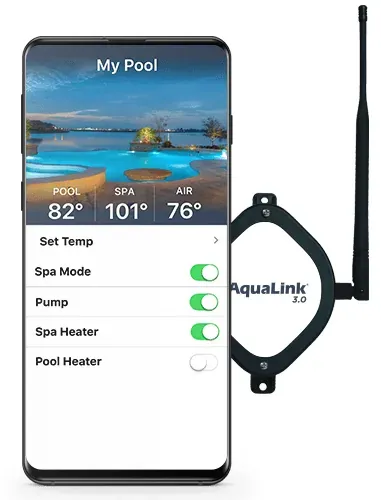
Spa heating
Can I heat the spa before I get home?
Yes. A spa takes time to heat, so you start it from the Pentair, Jandy or Hayward app, or from your home control app, before you leave. The heater runs while you drive and the spa is ready when you walk out back. It depends on a stable connection to the pool controller.
Heading home unexpectedly? Tell your smart home you are on the way, and the system can prepare the house and the pool for your arrival: the spa heater on, the pool lights up and the patio lights set for the evening. With Josh.ai or a home automation app, that can be one command instead of three apps.
Music belongs at the pool too. Weatherproof speakers around the deck and in the landscape can play from the same scene that turns on the pool lights; see our outdoor speakers and landscape audio page for pool audio options.
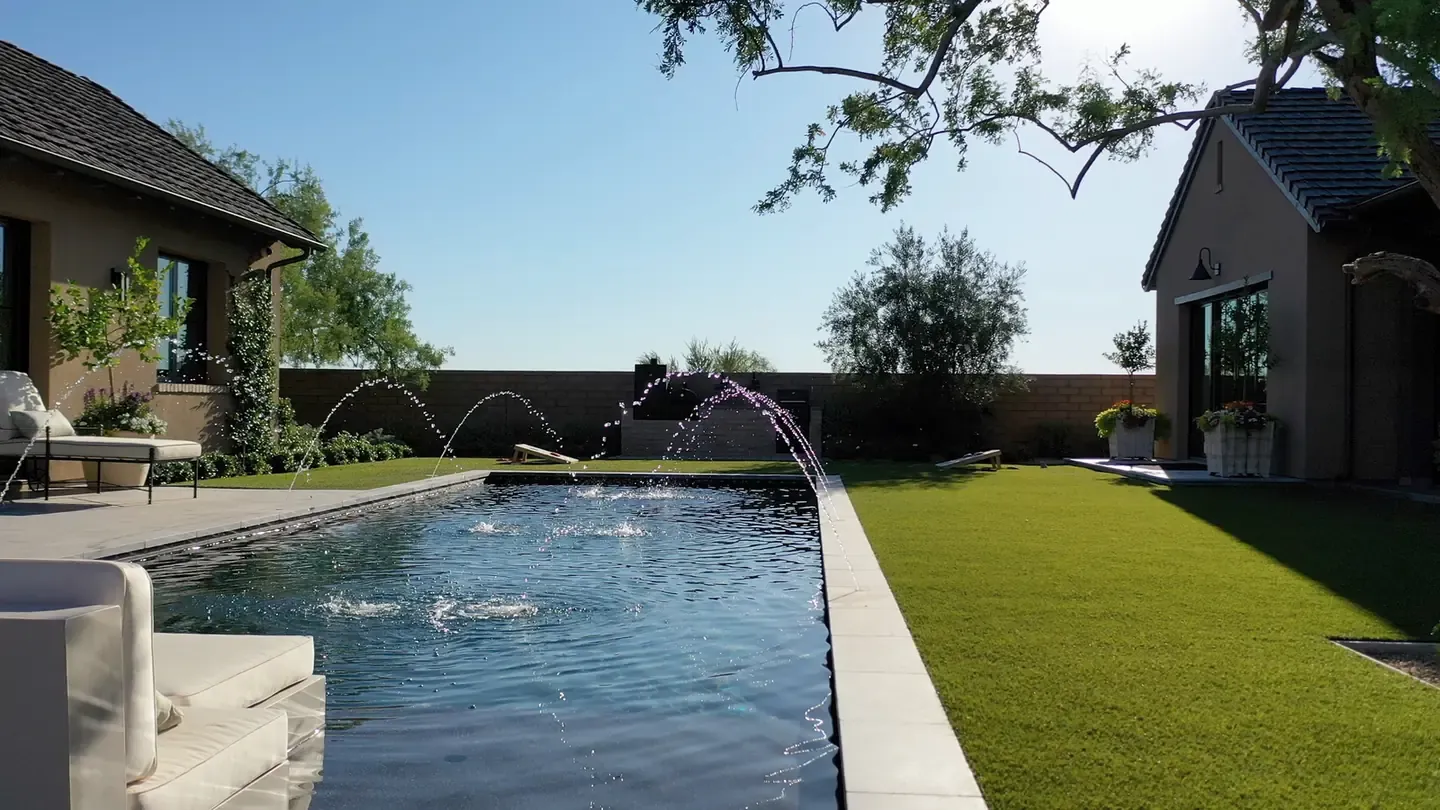
Jandy, Pentair and Hayward
Which pool controllers work with a smart home?
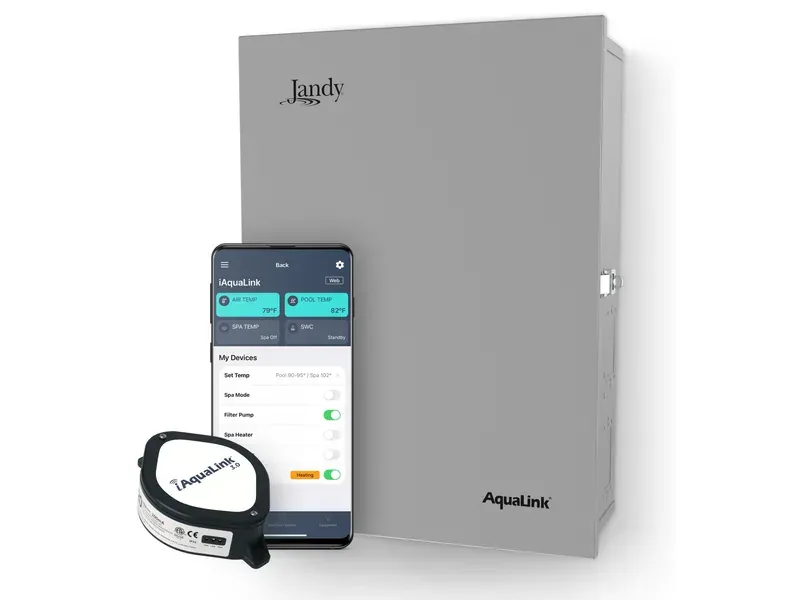
The three systems we see most in Austin are Jandy AquaLink with iAquaLink, Pentair IntelliCenter and Hayward OmniLogic. Each has its own app, connects to the home network and can be scheduled and run remotely. How much of it can also appear on your home control system depends on the controller and the platform.
| System | Own app | How it connects | Smart home link |
|---|---|---|---|
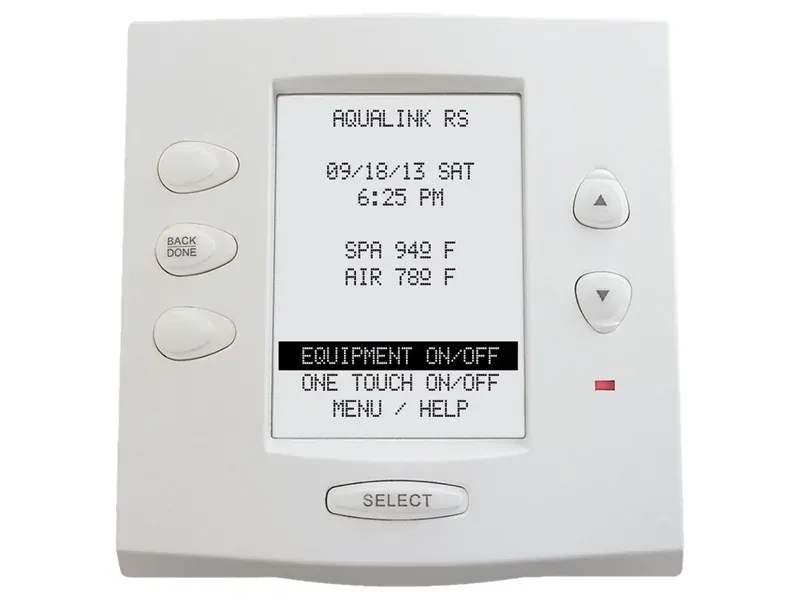
| Jandy AquaLink RS and iAquaLink | iAquaLink, up to 32 pool and spa features | Network-enabled; every Jandy system works with iAquaLink | Jandy says most popular home automation systems sync with it for select controls |
| Pentair IntelliCenter | Pentair Pool app: lighting, temperature, chemistry, water features | Wired Ethernet or a wireless connection kit | We confirm the current driver for your control system during design |
| Hayward OmniLogic | OmniLogic: heater, lights, water features, pH, schedules, alerts | Home network | Hayward announced integrations with Savant and URC |
With network-enabled controllers like Jandy, you monitor the system from a phone or tablet. Jandy introduced the first pool automation system in 1986 and has announced an AquaLink EDGE home hub for fall 2026. If your pool is older than its controller's app support, a controller upgrade during a remodel is often the first step.
Separate or integrated
Should the pool stay on its own app or join the smart home?
Either works. Pool and spa systems run fine without home automation, and the native app keeps every advanced pool feature. Most homeowners still prefer the features they use daily, such as spa heat, pool lights and water features, in one place with their lights and music. We decide per house during the quote.
Some integrators keep the two systems apart and ask homeowners to toggle between apps, one for the house and one for the pool and waterscape. That preserves every advanced pool setting, and it can make sense for your home. Most people prefer one central app, managed from a single program and app. In a high-end home, a smart home system that ignores the pool is a missed opportunity guests notice.
| Question | Pool app only | Pool features in the smart home |
|---|---|---|
| Advanced pool settings | All of them, in the manufacturer's app | Still in the manufacturer's app |
| Daily controls | Separate app from lights and music | Spa heat, pool lights and water features beside the lighting |
| Patio keypad | No | Lutron HomeWorks keypad scenes |
| Voice | Depends on the pool app | Josh.ai where the integration allows |
| If the house system is down | Not affected | The pool keeps running on its own controller and app |
Lutron HomeWorks scenes
What does a pool scene on a Lutron keypad do?
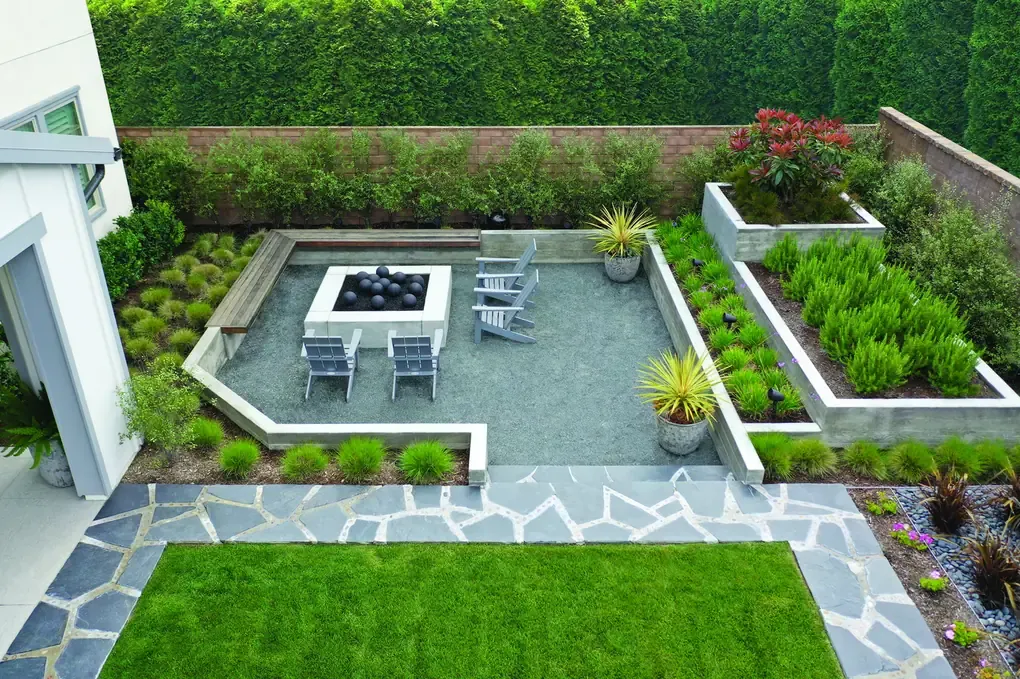
A scene puts several pool and outdoor features on one engraved button, so you are not pulling out a phone with wet hands. Lutron HomeWorks already runs the lights and shades, and adding pool lights, waterfalls and fire features to the same patio keypad keeps the backyard on one plan.
| Button | What it does |
|---|---|
| Pool Evening | Sets patio and landscape lighting, turns on the pool lights and starts a waterfall |
| Entertain | Adds music on the outdoor speakers and pauses irrigation |
| All Off | Shuts the backyard down at the end of the night |
Lighting scenes come from our lighting control work. For Lutron keypad and fixture details, see Austin Lutron.
Connectivity
Why does pool control need a wired connection?
Because the controller has to stay online for the app to work. A hard-wired connection is more stable than WiFi, which slows down and drops when steel beams, concrete floors and glass sit between the router and the equipment pad. We run a hardline when we can and keep WiFi as a backup.
When a hardline is not practical in a finished home, we add a well-placed access point and put the controller on a locked, hidden 2.4 GHz network. Pool controllers need stability more than speed. See whole-home WiFi for how we design the network out to the yard.
Pool control readiness checklist
- Controller model. Note the brand and model on the equipment pad, such as Jandy AquaLink RS, Pentair IntelliCenter or Hayward OmniLogic.
- Distance. How far the equipment pad sits from the house and the nearest network rack.
- Hardline or stub-out. Whether a network cable or conduit already reaches the pool equipment.
- WiFi at the pad. Signal strength at the controller, and whether an outdoor access point is needed.
- Daily features. Which features you want on the patio keypad, in the app or by voice.
- Pool contractor. Who services the pool, so we can coordinate controller settings with them.
Clean walls
Where does the pool control panel go now?
Out of sight, in most new homes. Because the app and the home control system now do the daily work, the on-wall pool panel matters less. It can live in the equipment rack room or another place meant to hide wires, hardware and technology, instead of the kitchen or the back door.
The video below shows how a connected home and its outdoor spaces can be ready before you arrive.
New pools and remodels
When should I plan smart pool control?
Before the pool equipment is set. Whether you are building a new pool or reconstructing an existing pool and spa, it is the right time to pick a network-enabled controller and run a network stub-out to the equipment pad. Adding the wire later costs more effort than adding it during prewire.
On new construction, we add the pool stub-out to the low-voltage plan during prewire, next to the outdoor audio, cameras and landscape lighting runs. Replacing an older system? Our Control4 replacement page covers moving the whole house, pool included, to a new platform. Outdoor cameras by the pool run on UniFi Protect; see security camera systems.
Prefer to talk first? Call 512-775-6101.
Where we install
Where do you install smart pool and spa control?
We connect pool and spa controllers in Westlake, Barton Creek, Tarrytown, Rollingwood, Spanish Oaks, Bee Cave, Lake Austin waterfront homes and across Austin, from our showroom on Bee Caves Road in West Lake Hills. New pools, remodels and existing equipment pads all qualify.
- WestlakePool equipment tied into the house network
- Barton CreekNew estates with prewired pool stub-outs
- TarrytownRemodels that add a controller to an older pool
- RollingwoodSpa heating from the phone
- West Lake HillsShowroom on Bee Caves Road
- Spanish OaksPatio keypads for pool lights and water features
- Lake Austin waterfrontLong runs from the house to the pool and dock
- Bee CaveNew construction pool and outdoor scenes
- AustinHomes across the city
Questions
Smart pool and spa questions
What does smart pool and spa control let me do?
It lets you manage the main pool features, including spa temperature, pool and spa lights, pumps and water features, from the pool system's own app, usually Pentair, Jandy or Hayward. Instead of walking to the equipment pad and working a confusing controller, you adjust everything from your phone while you entertain or relax.
Can I heat the spa from my phone before I get home?
Yes, and it is one of the most useful features. A spa takes time to heat, so you start it from the Pentair, Jandy or Hayward app before you leave and it is ready when you arrive. This only works with reliable connectivity, which is why we plan a network stub-out to the pool equipment during prewire.
Why do you prefer hardwired pool connections over WiFi?
A hardwired connection is more stable and far less likely to drop offline than WiFi, which matters when you heat the spa or turn on features remotely. When a hardline is not practical in a finished home, we stabilize WiFi with a well-placed access point and a locked, hidden 2.4 GHz network. Pool controllers need stability more than speed.
Do I have to integrate my pool with my smart home?
No. In many homes the native Pentair, Jandy or Hayward app is the best place to run the full pool system once connectivity is stable. Integration pays off when you want common features handy at the patio, such as pool lights, waterfalls and fire features on a Lutron HomeWorks keypad. The pool system stays its own subsystem.
What can a Lutron HomeWorks keypad do for the pool?
It puts the features you use most next to the lighting you already control. A Pool Evening scene can set patio and landscape lighting, turn on the pool lights and start a waterfall. An Entertain scene can add music and pause irrigation, and an All Off button shuts the whole backyard down before bed.
Do you replace my pool contractor?
No. Your pool builder or service company keeps the plumbing, equipment, chemistry and repairs. We handle the technology around it: network connectivity, pool controller communication, Lutron HomeWorks keypad integration, outdoor lighting scenes and Josh.ai control where appropriate. We coordinate with the pool contractor so the controller and the network arrive ready for each other.
Start here
Who connects pool and spa controls in Austin?
Smarter Homes, in business since 2006, from our showroom at 5524 Bee Caves Rd in West Lake Hills. We are HTA Estate Certified. Tell us your pool controller and where it sits, and we will plan the connection, the keypad scenes and the app setup around your house.
Over 160 5-Star Google Reviews. Read all of our Google reviews
Sources
- iAquaLink (checked Nov 2026): controls up to 32 pool and spa features
- Jandy pool automation (checked Nov 2026): all Jandy systems work with iAquaLink; home automation sync for select controls
- Jandy AquaLink RS (checked Nov 2026): product images
- Jandy, AquaLink EDGE home hub (checked Nov 2026): first pool automation in 1986; EDGE for fall 2026
- Pentair IntelliCenter (checked Nov 2026): wired Ethernet or wireless connection kit
- Pentair IntelliCenter app support (checked Nov 2026): Pentair Pool app
- Pentair news release (checked Nov 2026): lighting, temperature, chemistry and water features
- Hayward OmniLogic app (checked Nov 2026): heater, lights, water features, pH, schedules, alerts
- Hayward, OmniLogic and Savant (checked Nov 2026)
- Hayward, OmniLogic and URC (checked Nov 2026)
Smarter Homes, 5524 Bee Caves Rd, Unit J8, West Lake Hills, TX 78746. 512-775-6101 · Book a consultation
Our Trusted Partners in Home Automation and Technology